> ## Documentation Index
> Fetch the complete documentation index at: https://docs.shiga.io/llms.txt
> Use this file to discover all available pages before exploring further.
# Edit Beneficiary Details
> Update a saved beneficiary's name, start to finish.
# Edit Beneficiary Details
You can update a beneficiary's name without having to delete and re-add them.
This is a different guide from [Beneficiaries List](/Product/Beneficiary/liststates), [Add a Beneficiary](/Product/Beneficiary/addbeneficiary), [View Beneficiary Details](/Product/Beneficiary/viewdetails), [View Beneficiary Transactions](/Product/Beneficiary/viewtransactions), [Delete a Beneficiary](/Product/Beneficiary/deletebeneficiary), and [Filter Beneficiaries](/Product/Beneficiary/filters).
***
## 1. Open the beneficiary's details
From your **Beneficiaries** list, open the beneficiary you want to edit.
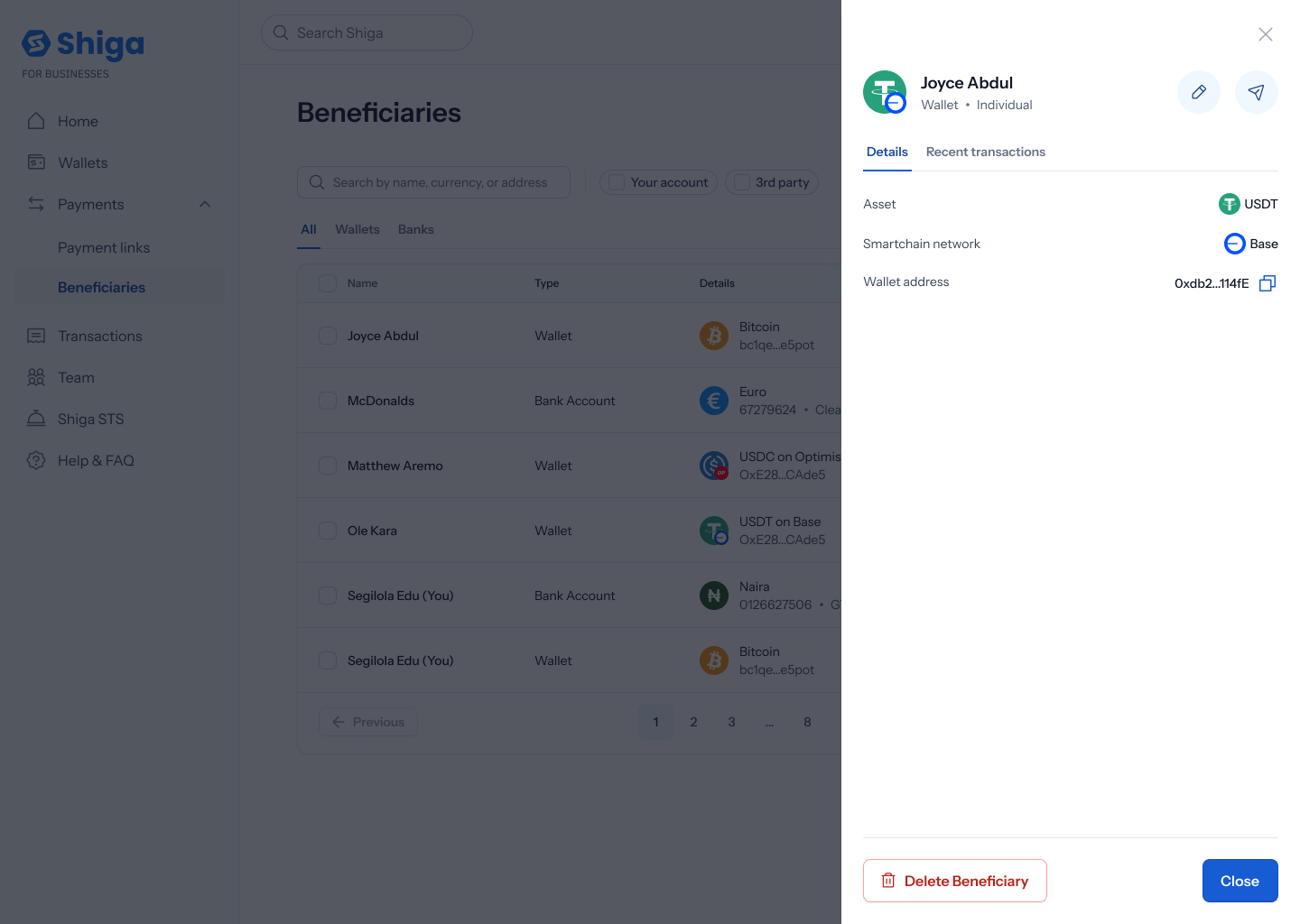
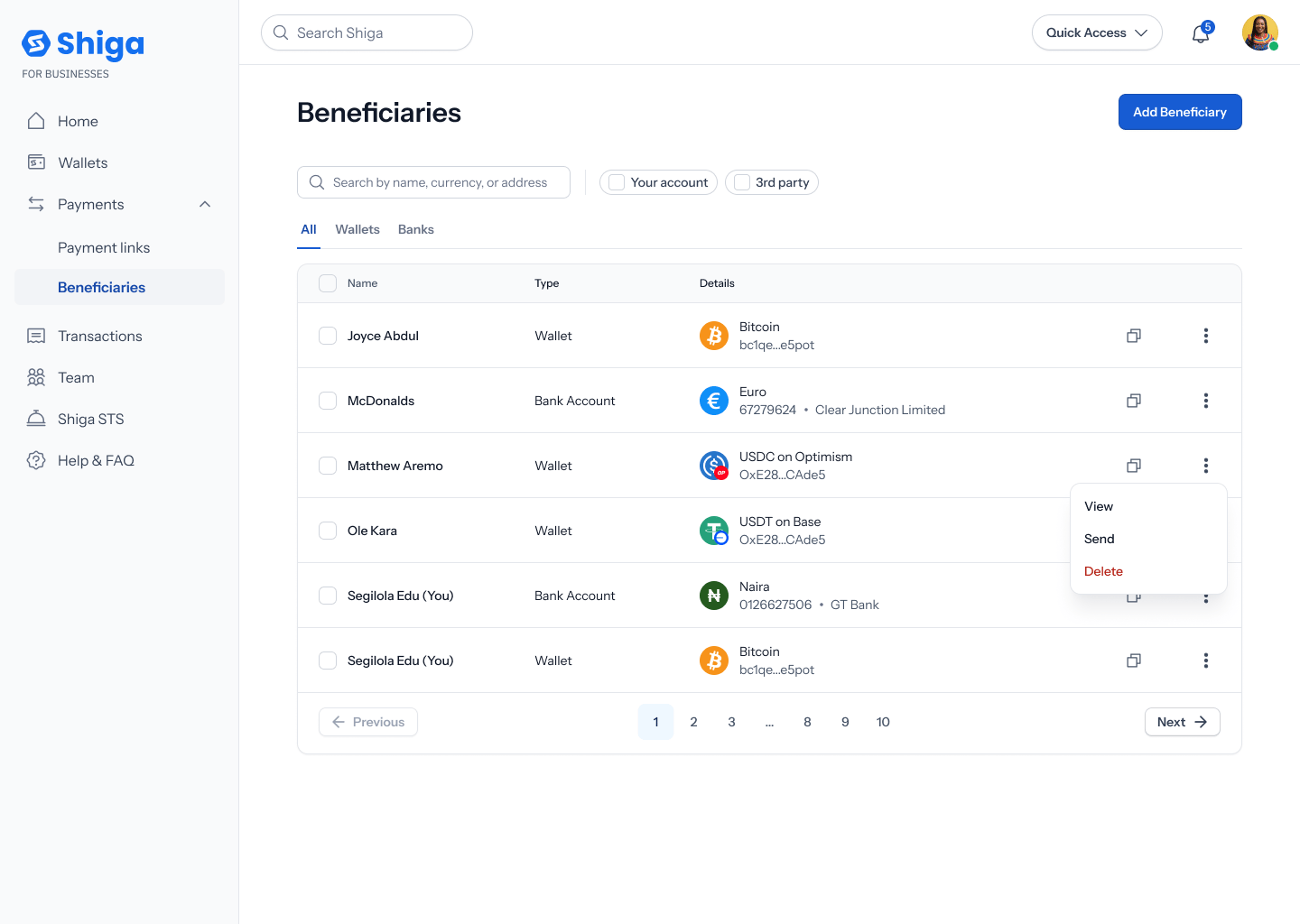 On the **Details** tab, tap the pencil (Edit) icon next to their name.
 ## 2. Edit the name
The **Edit beneficiary** screen has editable **First name** and **Last name** fields with their own **Save** button. Everything else — currency, bank, account number, IBAN, wallet address, and so on — is shown read-only below and can't be changed from here.
## 2. Edit the name
The **Edit beneficiary** screen has editable **First name** and **Last name** fields with their own **Save** button. Everything else — currency, bank, account number, IBAN, wallet address, and so on — is shown read-only below and can't be changed from here.
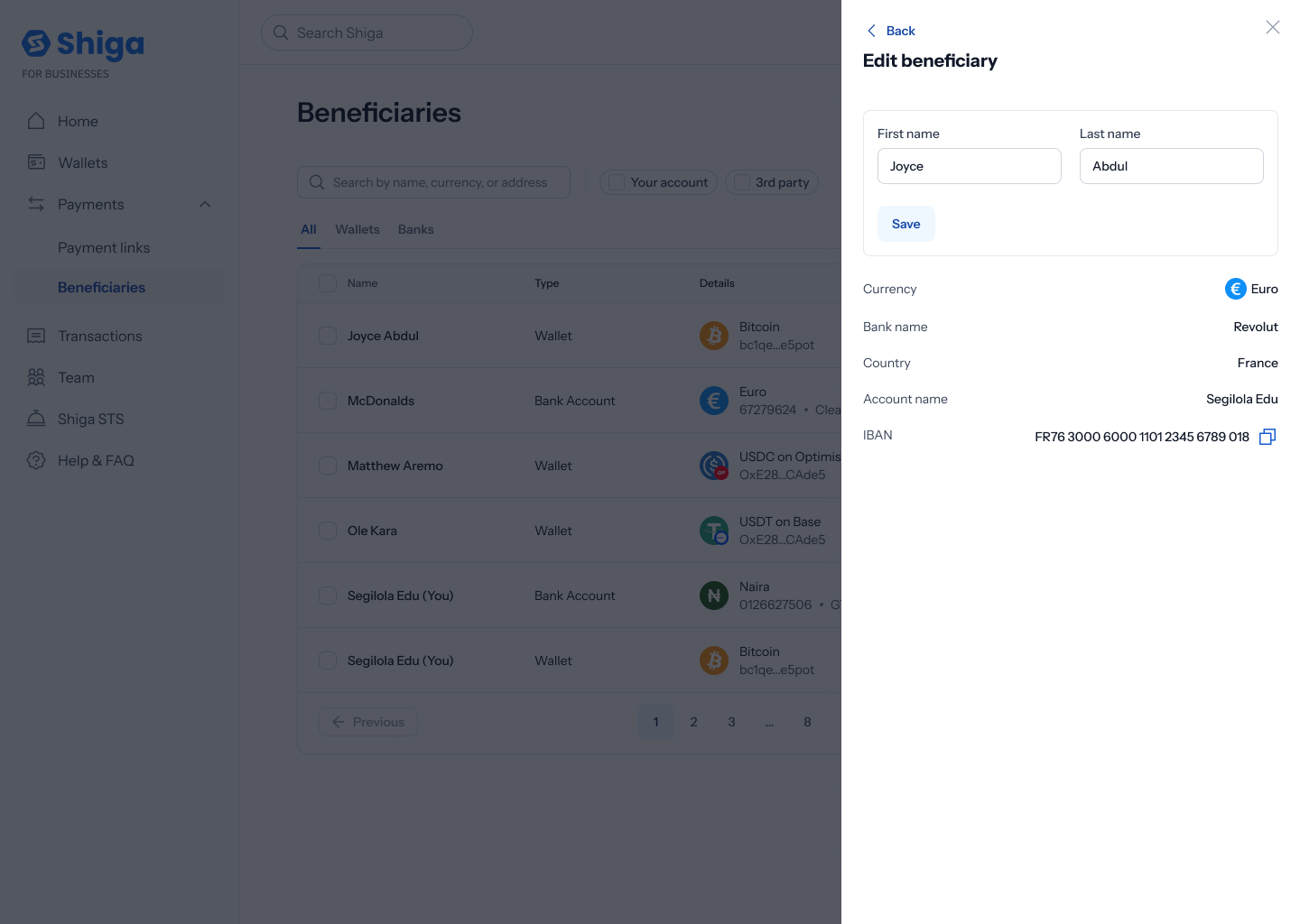 Update the name and tap **Save**, or **Back** to leave without saving.
Right now, editing only covers the beneficiary's name — there's no way to update their wallet address, bank account, or currency once saved. If any of those change, you'd need to [delete the beneficiary](/Product/Beneficiary/deletebeneficiary) and [add them again](/Product/Beneficiary/addbeneficiary) with the corrected details.
Update the name and tap **Save**, or **Back** to leave without saving.
Right now, editing only covers the beneficiary's name — there's no way to update their wallet address, bank account, or currency once saved. If any of those change, you'd need to [delete the beneficiary](/Product/Beneficiary/deletebeneficiary) and [add them again](/Product/Beneficiary/addbeneficiary) with the corrected details.