> ## Documentation Index
> Fetch the complete documentation index at: https://docs.shiga.io/llms.txt
> Use this file to discover all available pages before exploring further.
# Activity Log
> A record of security and account events
This page is under **Settings > Business > Security** and is only available on business accounts. See also: [Passkey & Devices](/settings/business/passkeydevices), [Recovery](/settings/business/recovery), [Business Profile](/settings/business/businessprofile), [Statements](/settings/business/statements), [Members](/settings/business/members).
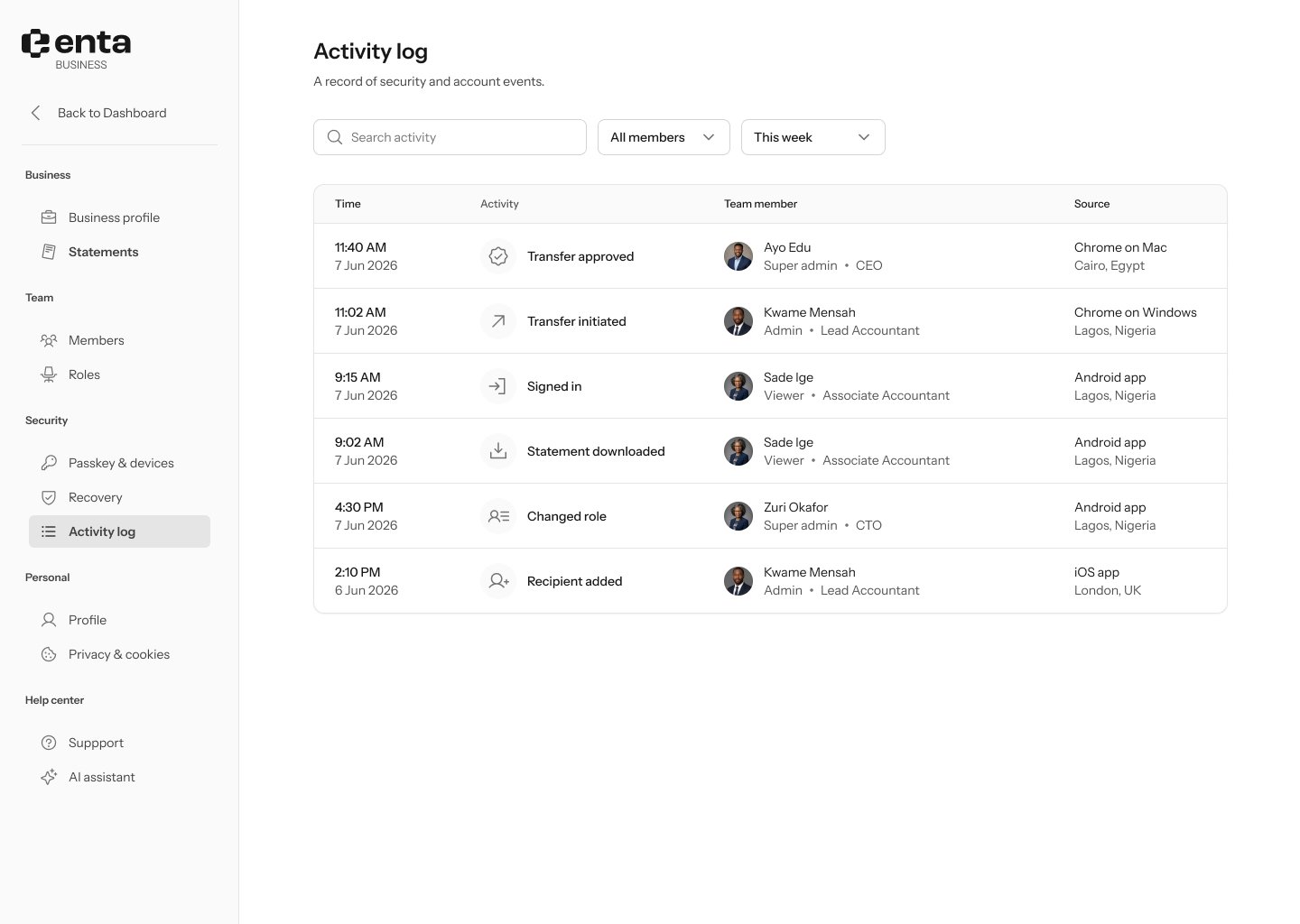 The **Activity log** is a record of security and account events across your whole business, not just your own actions.
## Filtering
* **Search activity** by keyword.
* Filter by **All members** to narrow the log to one team member.
* Filter by date range (for example, "This week").
## What's logged
Each row shows:
* **Time** — when the event happened.
* The event itself — for example, "Transfer approved," "Transfer initiated," "Signed in," "Statement downloaded," "Changed role," or "Recipient added."
* **Team member** — who did it, with their role badge and job title.
* **Source** — the browser or app and device, plus location.
The **Activity log** is a record of security and account events across your whole business, not just your own actions.
## Filtering
* **Search activity** by keyword.
* Filter by **All members** to narrow the log to one team member.
* Filter by date range (for example, "This week").
## What's logged
Each row shows:
* **Time** — when the event happened.
* The event itself — for example, "Transfer approved," "Transfer initiated," "Signed in," "Statement downloaded," "Changed role," or "Recipient added."
* **Team member** — who did it, with their role badge and job title.
* **Source** — the browser or app and device, plus location.