> ## Documentation Index
> Fetch the complete documentation index at: https://docs.shiga.io/llms.txt
> Use this file to discover all available pages before exploring further.
# Privacy & Cookies
> Choose what we can store
This page is under **Settings > Individual > Personal**. See also: [Profile](/settings/individual/profile), [Statements](/settings/individual/statements), [Passkey & Devices](/settings/individual/passkeydevices), [Recovery](/settings/individual/recovery), [Support](/settings/individual/support), and [AI Assistant](/settings/individual/aiassistant).
**Privacy & Cookies** lets you choose what Enta can store about your activity.
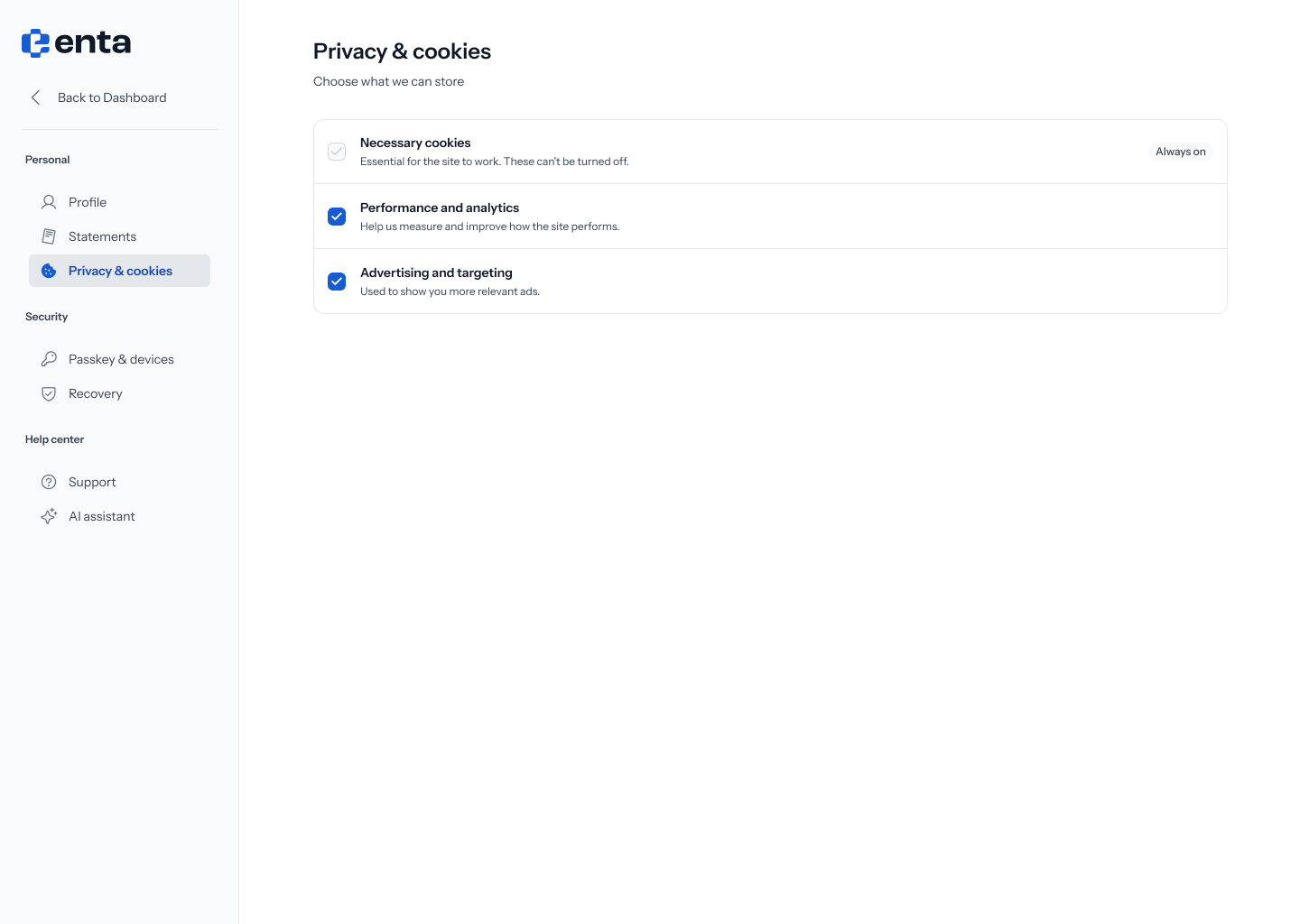 Three categories are shown:
* **Necessary cookies** — essential for the site to work. Always on, and can't be turned off.
* **Performance and analytics** — help Shiga measure and improve how the site performs.
* **Advertising and targeting** — used to show you more relevant ads.
Three categories are shown:
* **Necessary cookies** — essential for the site to work. Always on, and can't be turned off.
* **Performance and analytics** — help Shiga measure and improve how the site performs.
* **Advertising and targeting** — used to show you more relevant ads.