> ## Documentation Index
> Fetch the complete documentation index at: https://docs.shiga.io/llms.txt
> Use this file to discover all available pages before exploring further.
# Profile
> View and manage your individual account profile
This page is under **Settings > Individual > Personal**. See also: [Statements](/settings/individual/statements), [Privacy & Cookies](/settings/individual/privacycookies), [Passkey & Devices](/settings/individual/passkeydevices), [Recovery](/settings/individual/recovery), [Support](/settings/individual/support), and [AI Assistant](/settings/individual/aiassistant).
 ## What you'll see
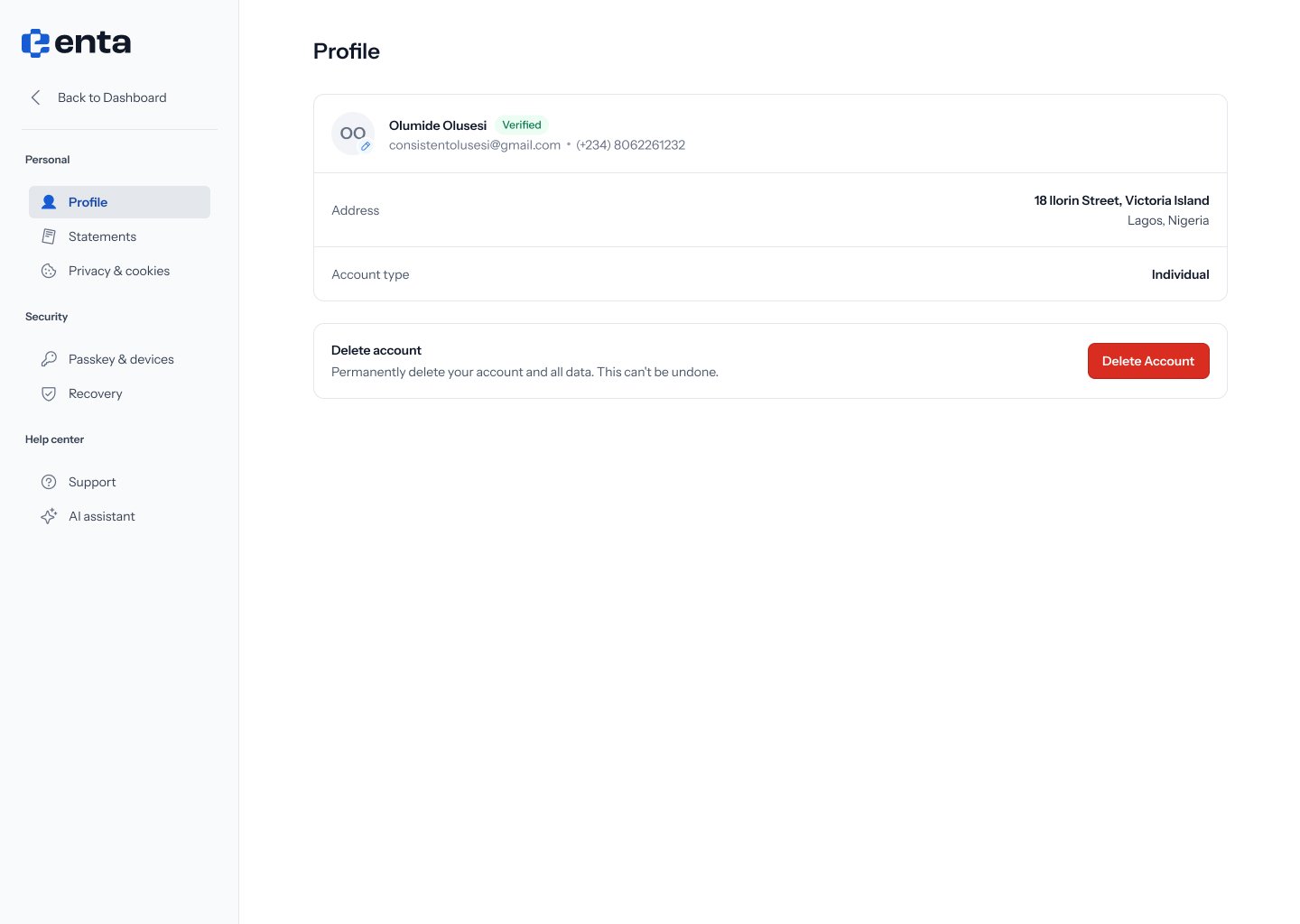
1. Your avatar, name, and a **Verified** badge if your identity has been confirmed.
2. Your email address and phone number.
3. **Address** — your registered address.
4. **Account type** — shows **Individual** for a personal account.
Click the pencil icon on your avatar to update your profile photo.
## Deleting your account
At the bottom of the page, under **Delete account**, you can permanently delete your account and all associated data.
This can't be undone. Make sure you no longer need this account before clicking **Delete account**.
## What you'll see
1. Your avatar, name, and a **Verified** badge if your identity has been confirmed.
2. Your email address and phone number.
3. **Address** — your registered address.
4. **Account type** — shows **Individual** for a personal account.
Click the pencil icon on your avatar to update your profile photo.
## Deleting your account
At the bottom of the page, under **Delete account**, you can permanently delete your account and all associated data.
This can't be undone. Make sure you no longer need this account before clicking **Delete account**.