

This page is under Settings > Individual > Personal. See also: Statements, Privacy & Cookies, Passkey & Devices, Recovery, Support, and AI Assistant.
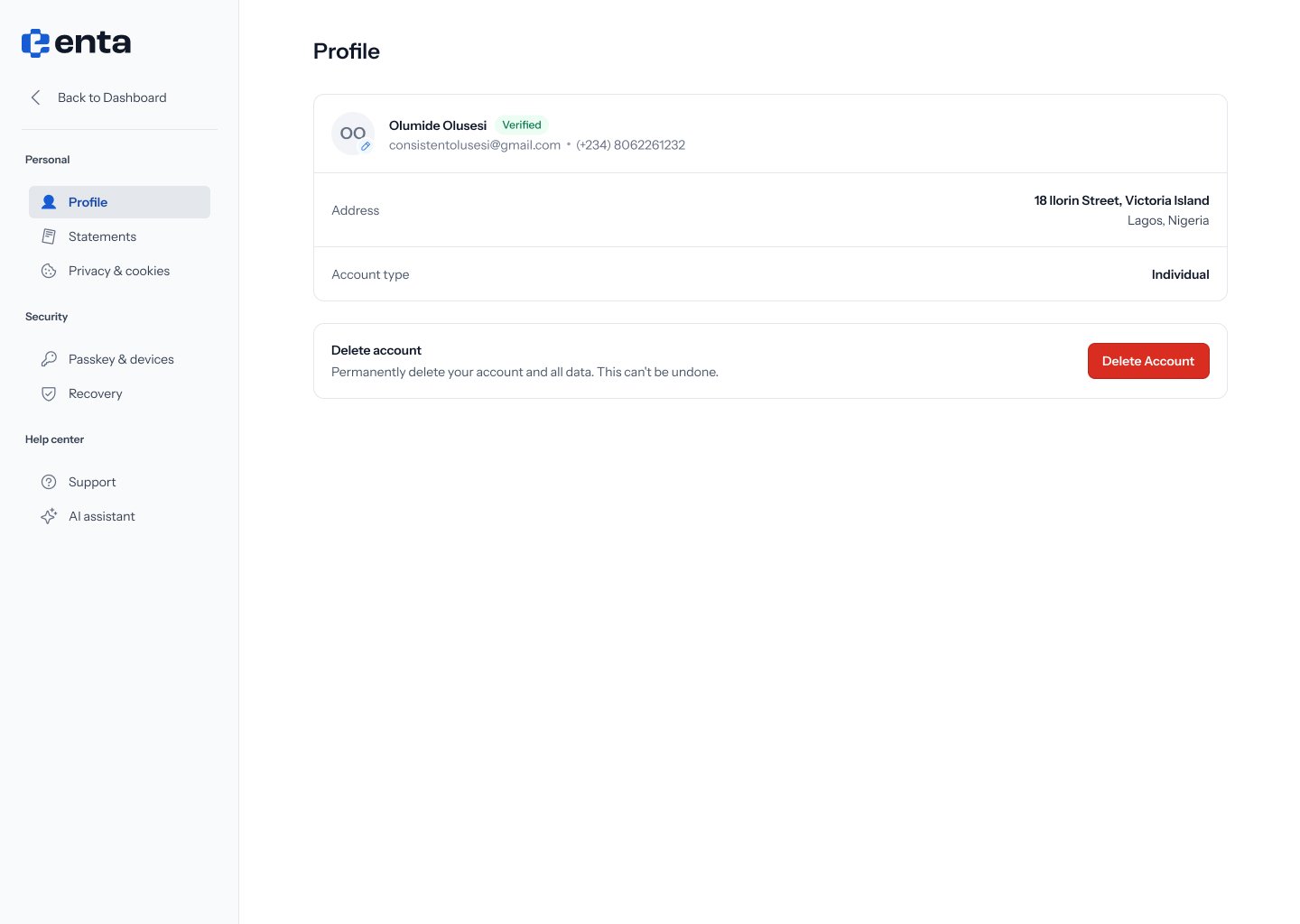
What you’ll see
- Your avatar, name, and a Verified badge if your identity has been confirmed.
- Your email address and phone number.
- Address — your registered address.
- Account type — shows Individual for a personal account.