

Edit Beneficiary Details
You can update a beneficiary’s name without having to delete and re-add them.This is a different guide from Beneficiaries List, Add a Beneficiary, View Beneficiary Details, View Beneficiary Transactions, Delete a Beneficiary, and Filter Beneficiaries.
1. Open the beneficiary’s details
From your Beneficiaries list, open the beneficiary you want to edit.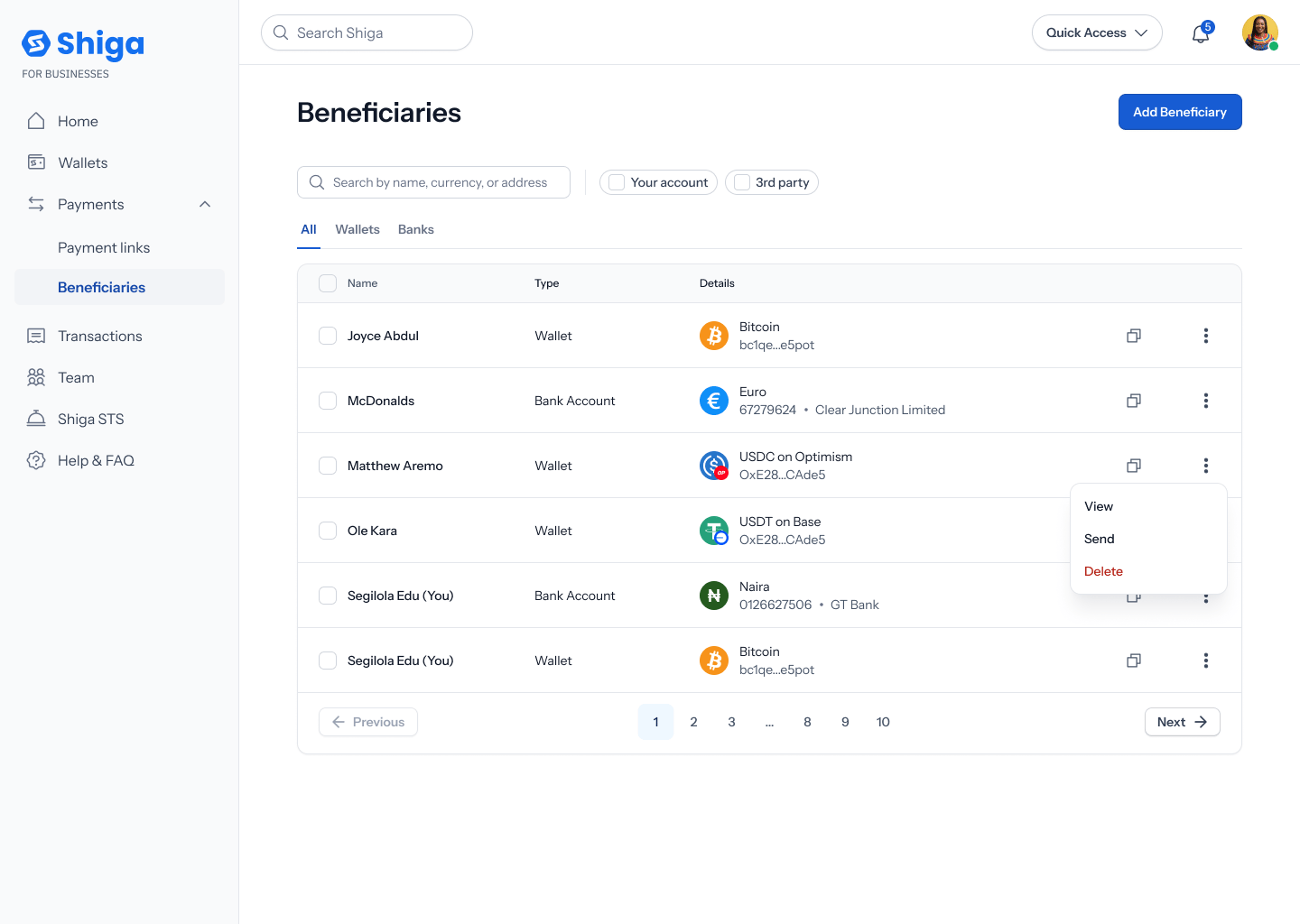
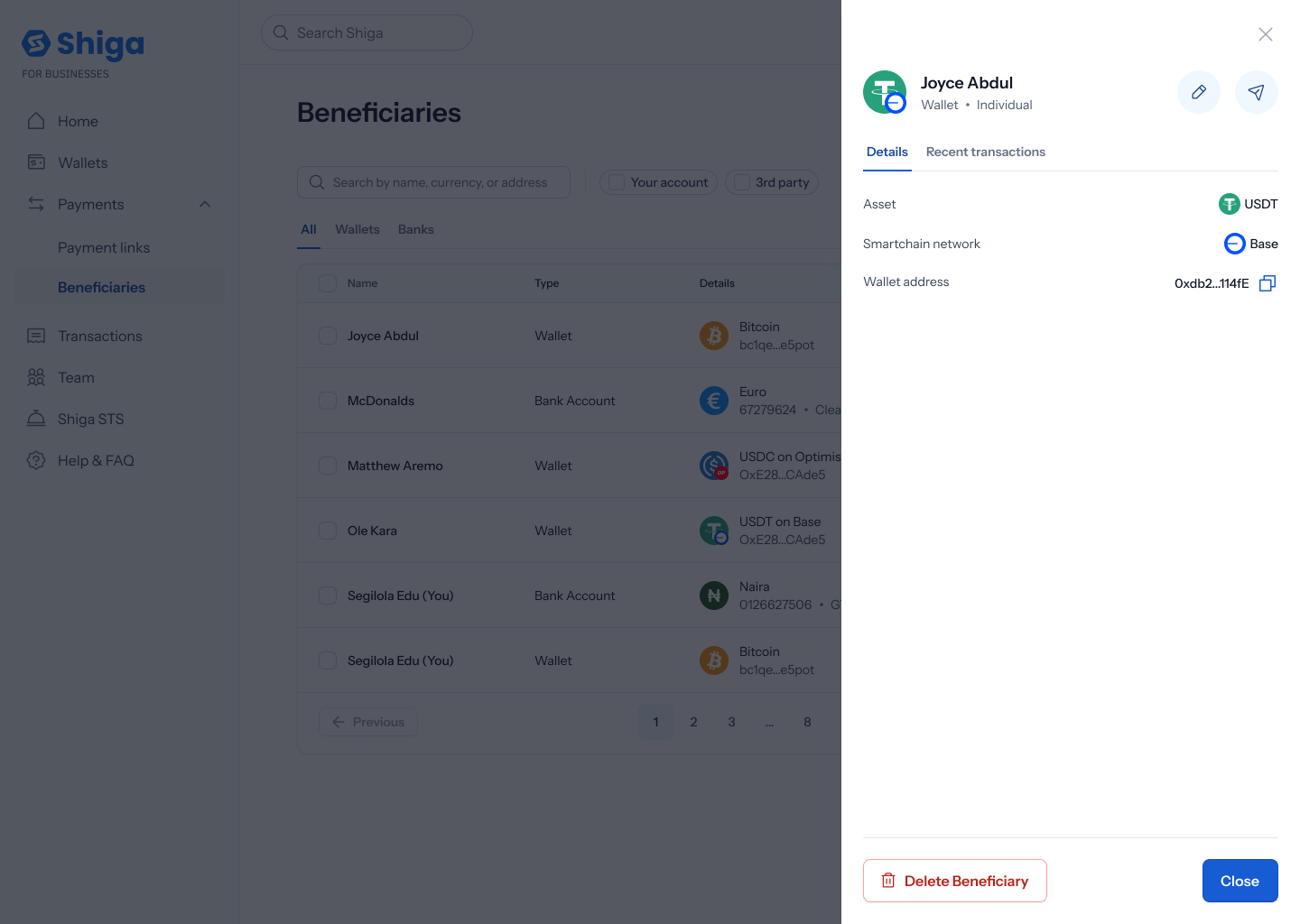
2. Edit the name
The Edit beneficiary screen has editable First name and Last name fields with their own Save button. Everything else — currency, bank, account number, IBAN, wallet address, and so on — is shown read-only below and can’t be changed from here.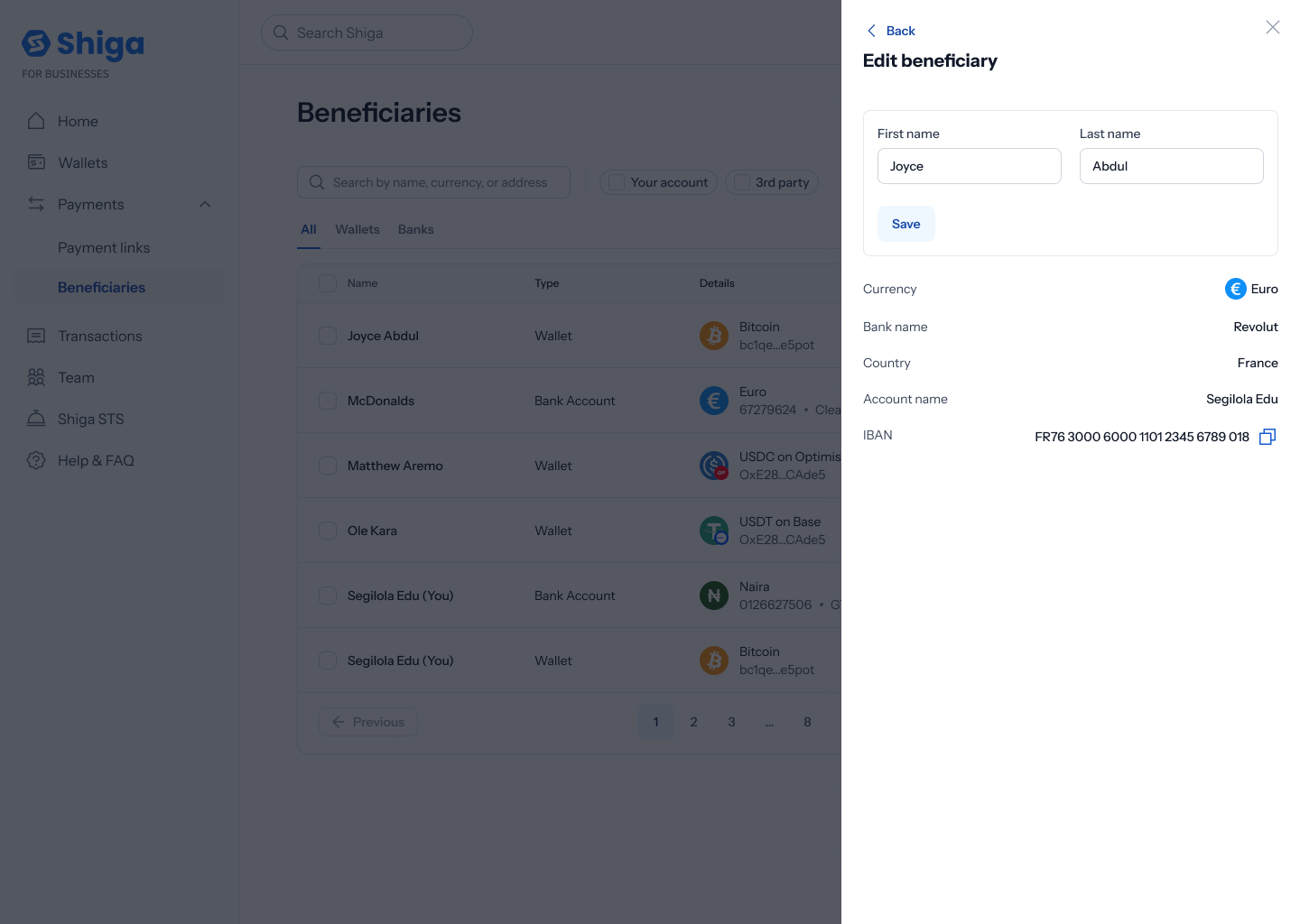 Update the name and tap Save, or Back to leave without saving.
Right now, editing only covers the beneficiary’s name — there’s no way to update their wallet address, bank account, or currency once saved. If any of those change, you’d need to delete the beneficiary and add them again with the corrected details.