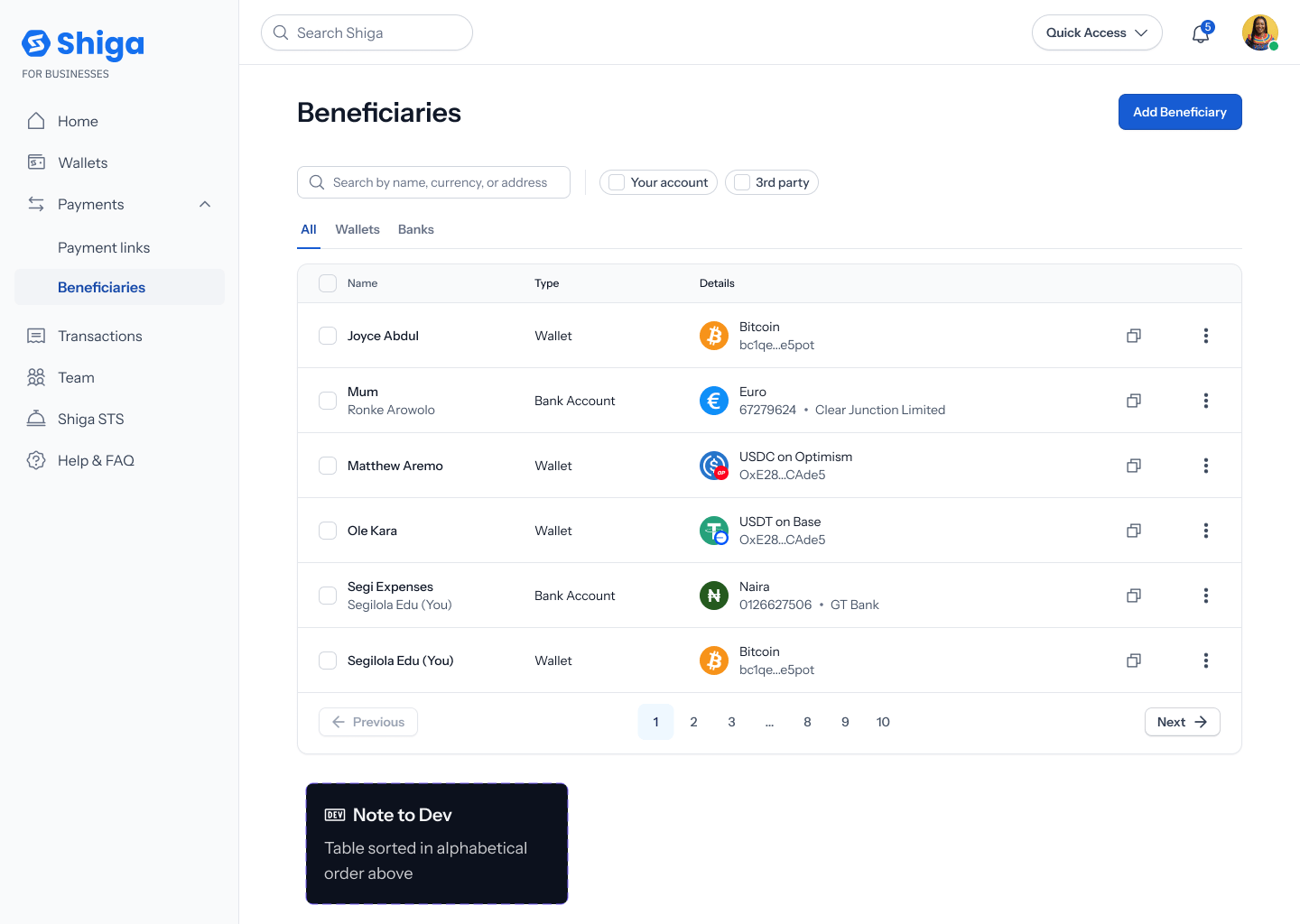
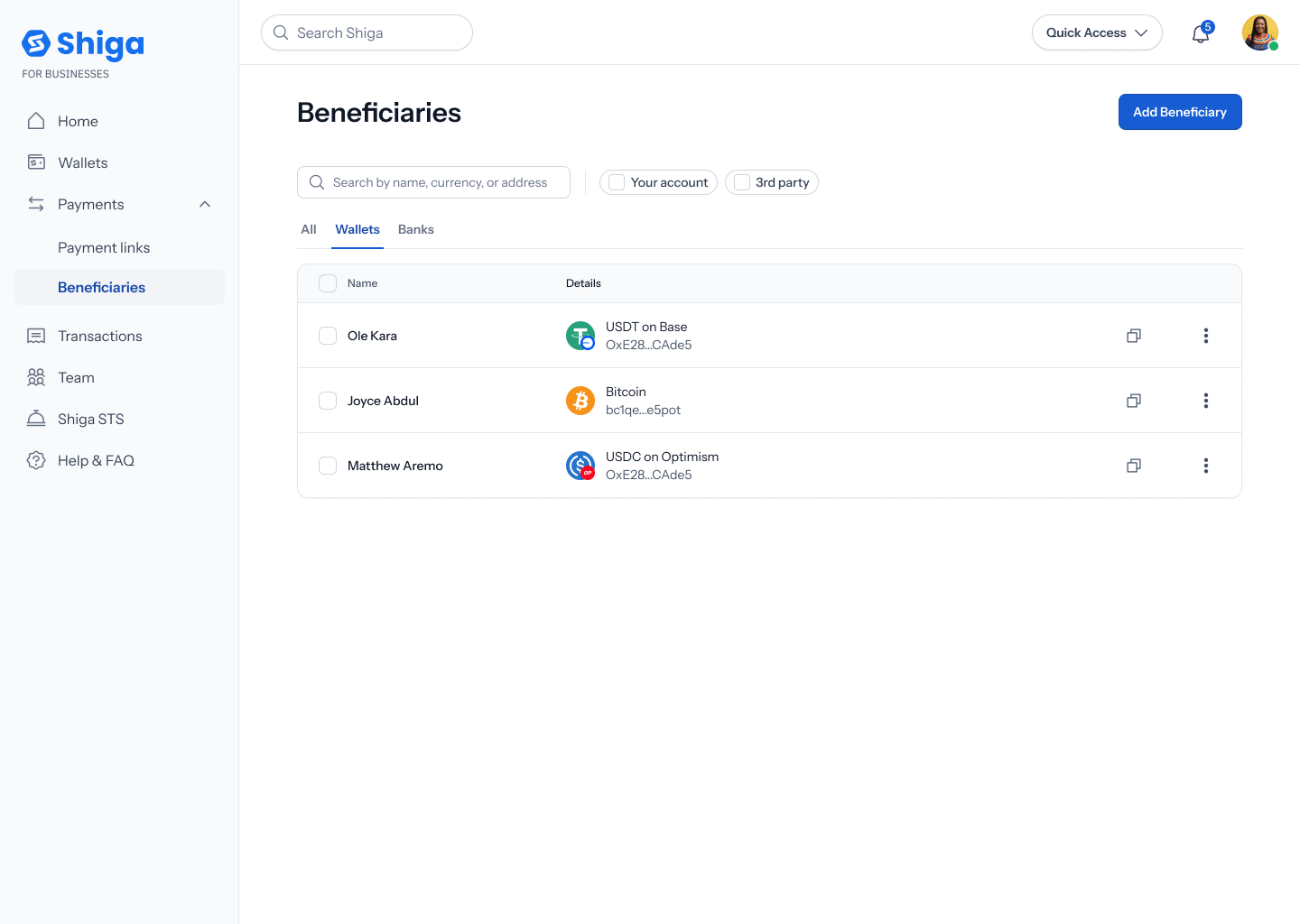
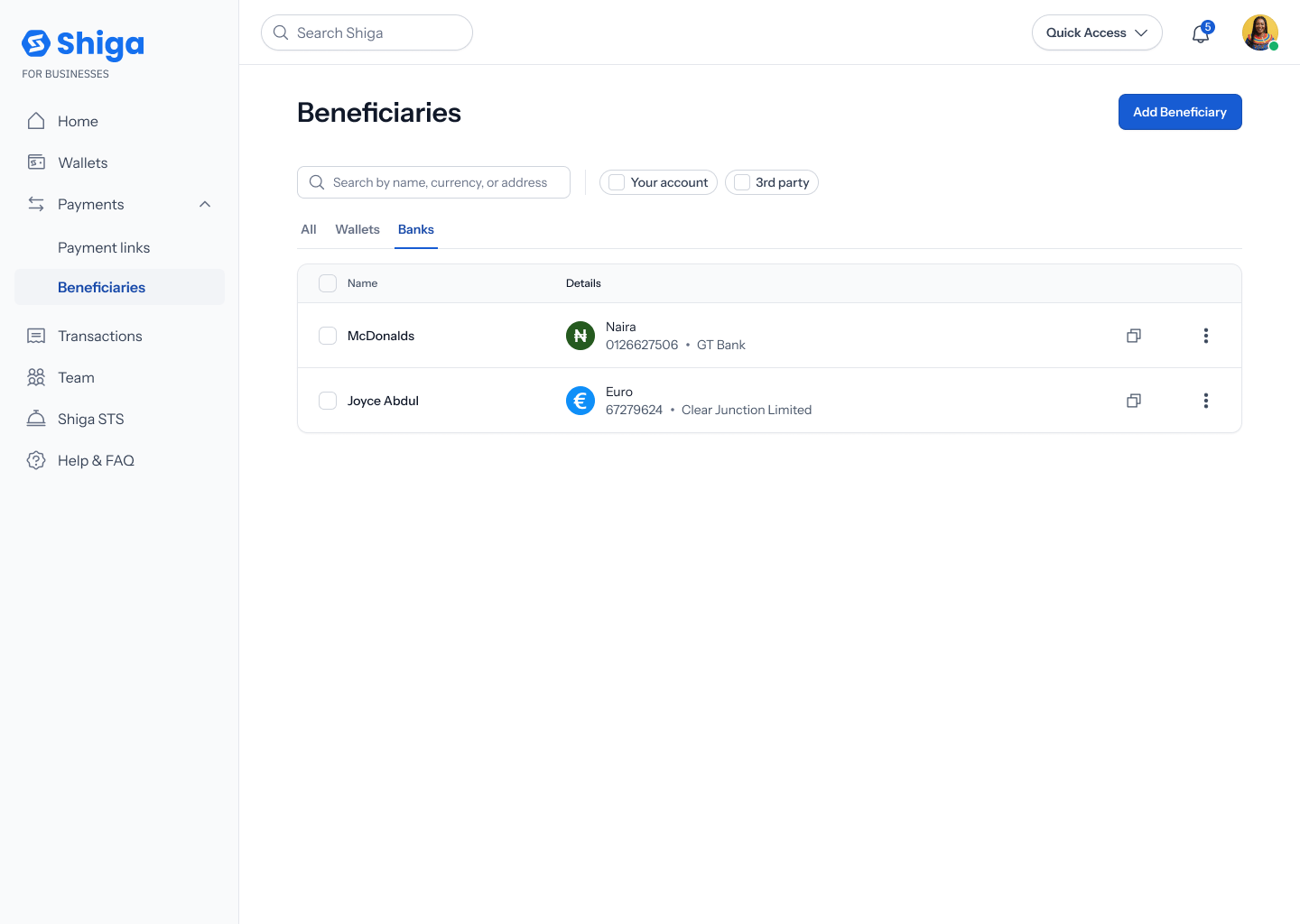
Beneficiaries List
Your Beneficiaries list holds every recipient you’ve saved for faster repeat payments — wallet addresses and bank accounts alike.This is a different guide from Add a Beneficiary, View Beneficiary Details, Edit Beneficiary Details, View Beneficiary Transactions, Delete a Beneficiary, and Filter Beneficiaries.
Before you’ve added anyone
If you haven’t saved a beneficiary yet, the list shows an empty state: “Add your first beneficiary” — “Save recipient for faster future payments. Click the ‘Add Beneficiary’ button to get started” — with an Add beneficiary button both in the page header and inside the empty-state card itself.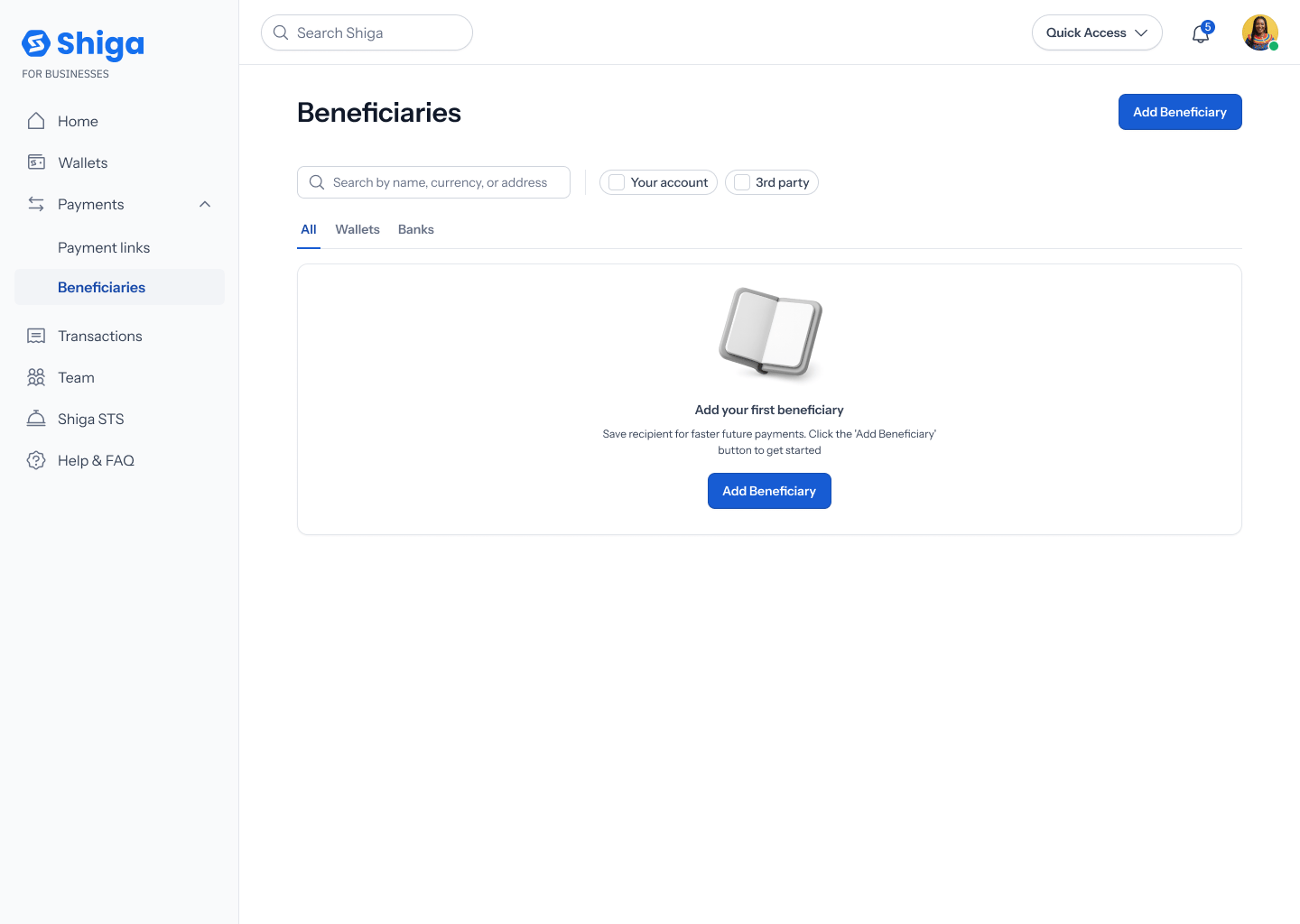
Once you’ve added beneficiaries
The list has three tabs — All, Wallets, Banks — plus a search field (placeholder “Search by name, currency, or address”) and filter chips for Your account and 3rd party. Each row shows the recipient’s name, their Type (Wallet or Bank Account), and their Details (e.g. asset and address, or currency and bank).