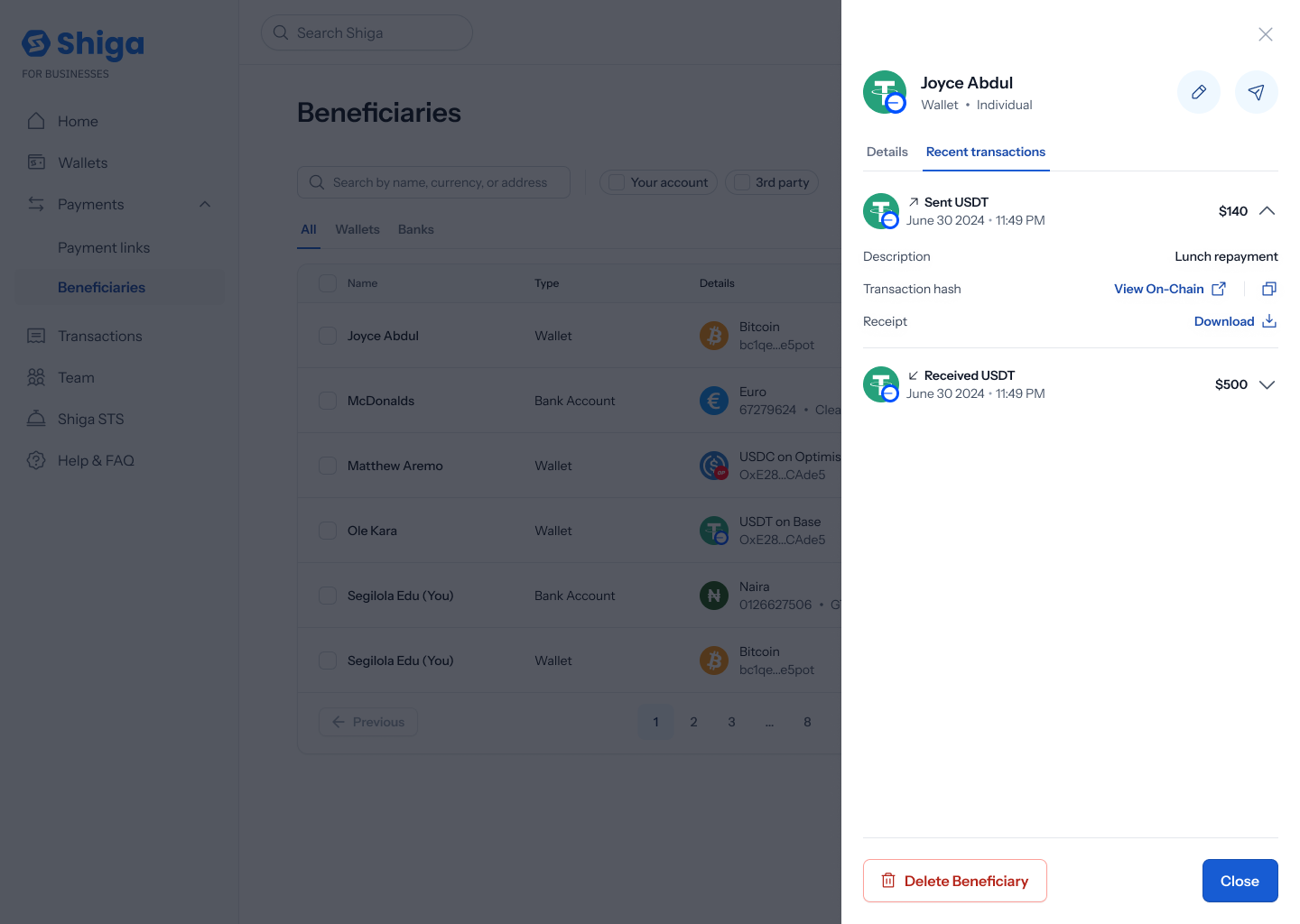
View Beneficiary Transactions
Every beneficiary’s details view has a Recent transactions tab showing your payment history with them.This is a different guide from Beneficiaries List, Add a Beneficiary, View Beneficiary Details, Edit Beneficiary Details, Delete a Beneficiary, and Filter Beneficiaries.
1. Open a beneficiary’s transactions
From your Beneficiaries list, open a beneficiary, then switch to the Recent transactions tab.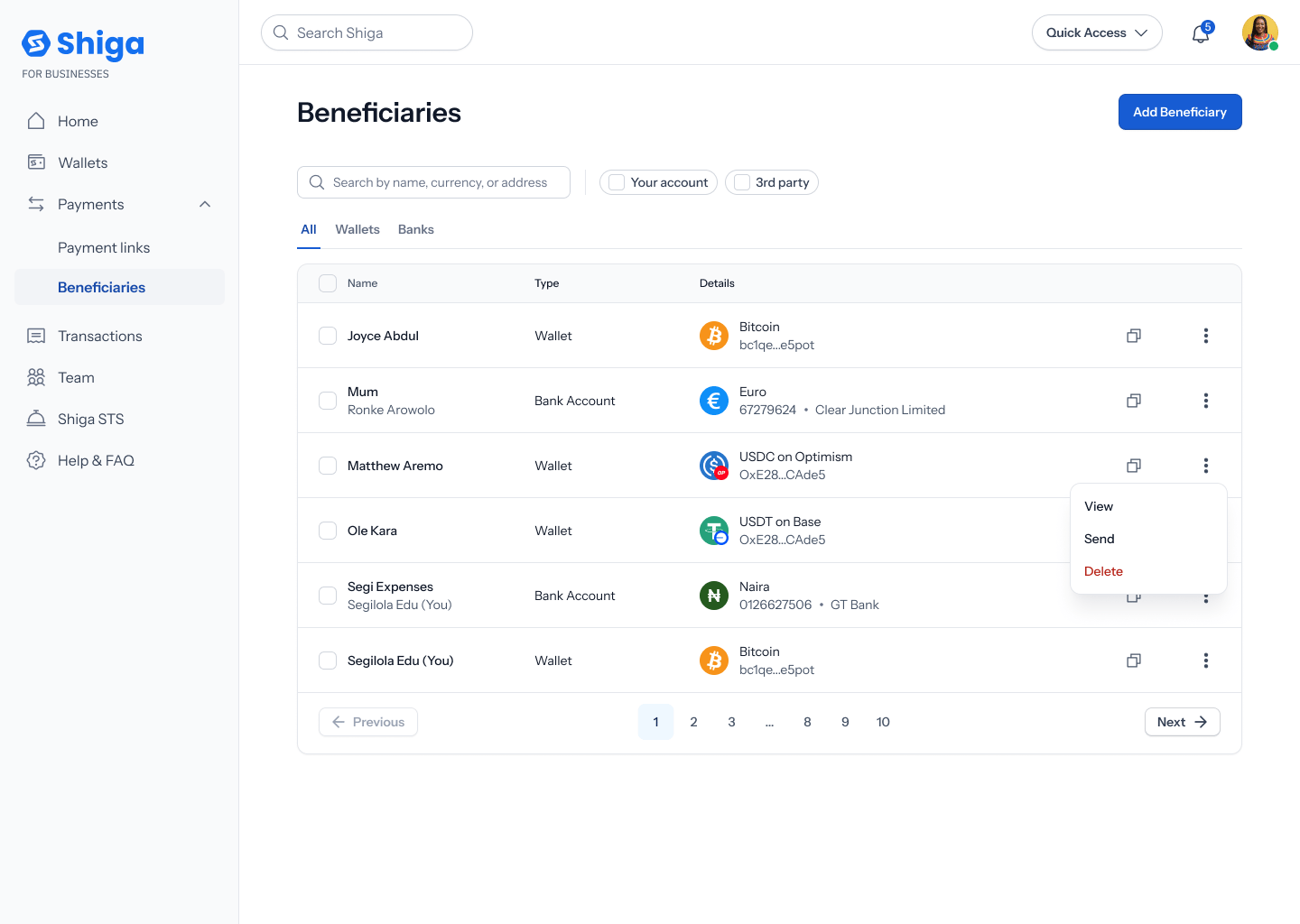
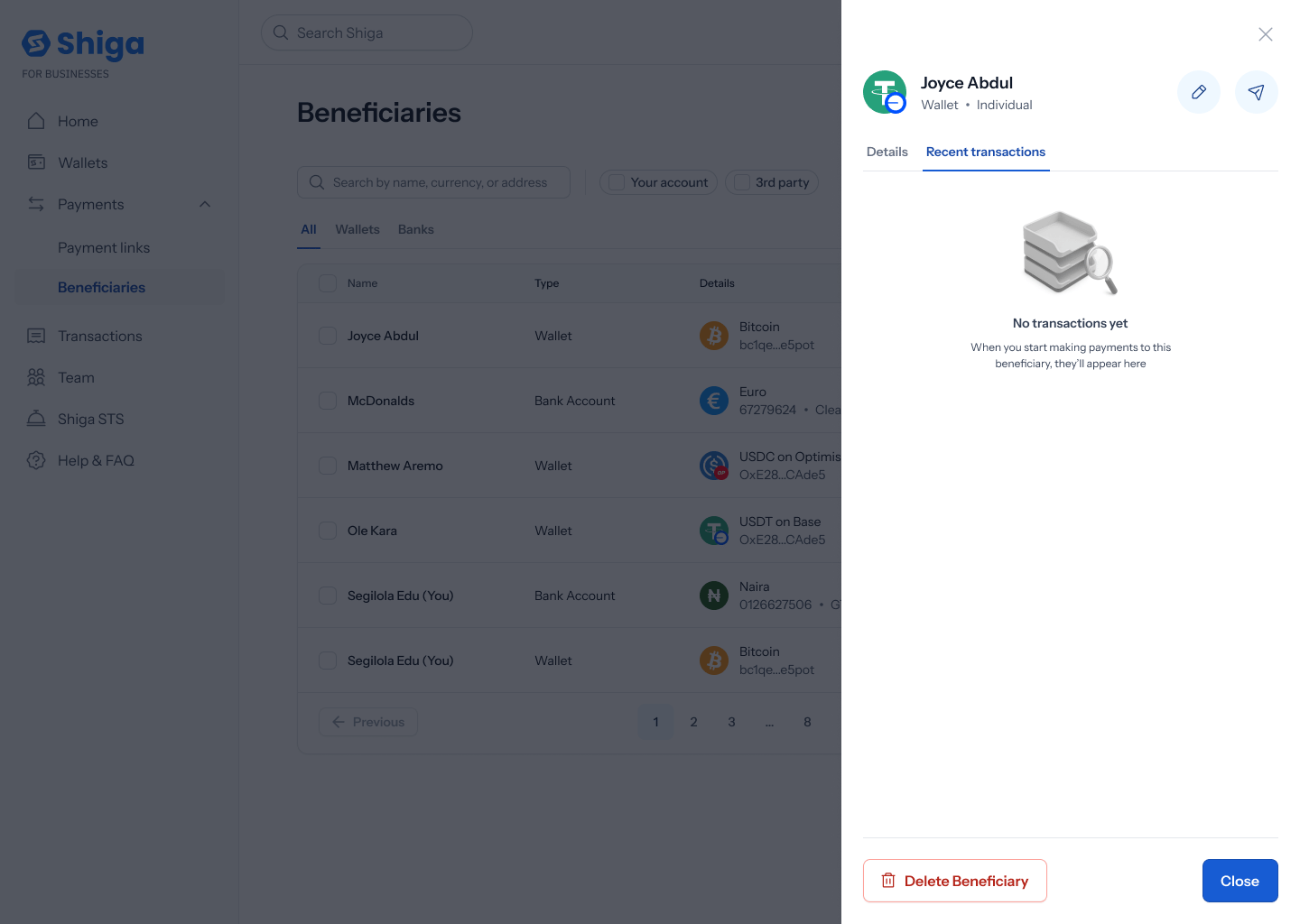
2. Browse transaction history
Otherwise, you’ll see a list of past transactions — each row showing how it was sent or received (e.g. “Sent USDT”, “Received USDT”), the date and time, and the amount (e.g. 500).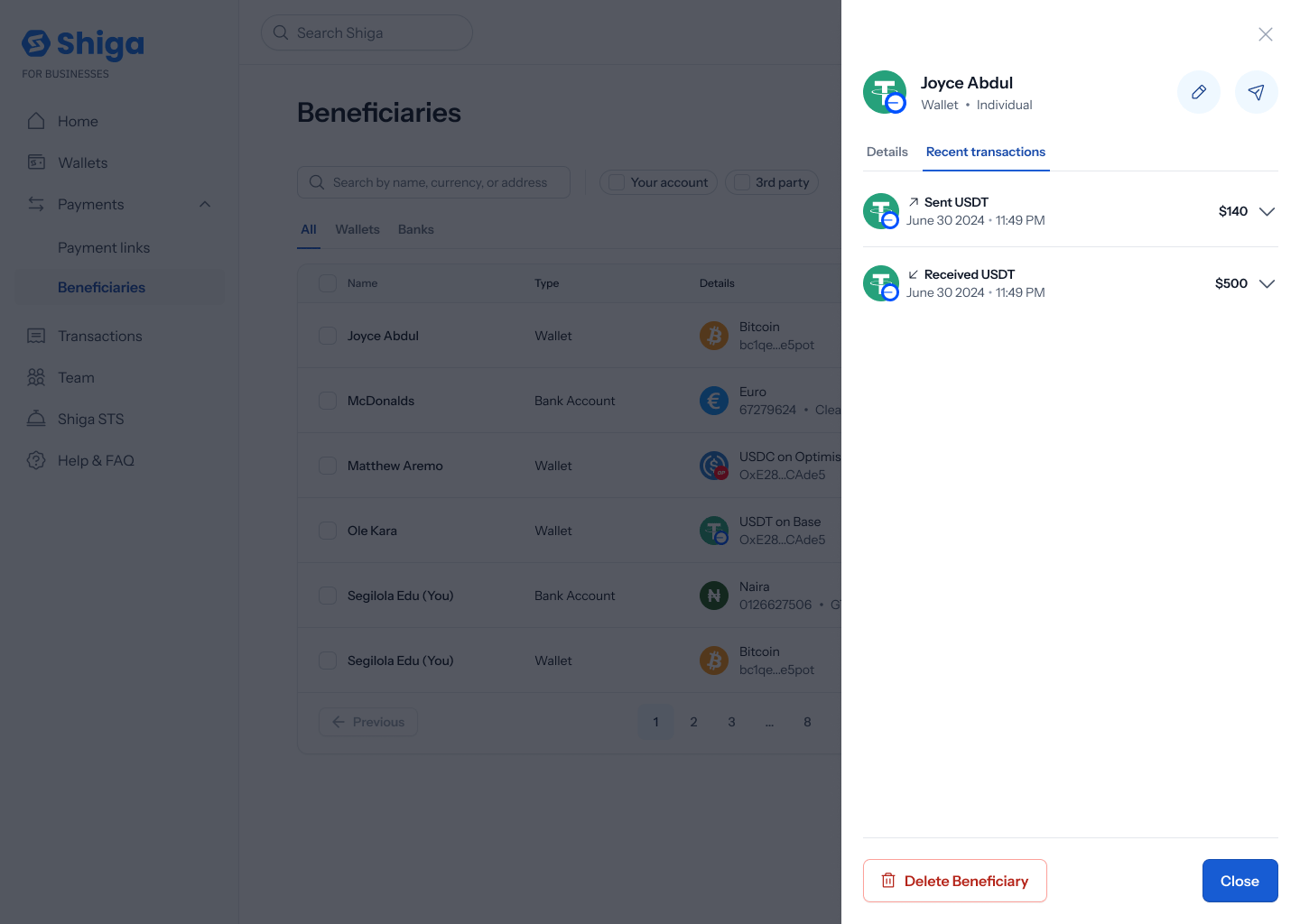
3. Expand a transaction
Tap a row to expand it and see more: a Description (e.g. “Lunch repayment”), a Transaction hash with a View on-chain button, and a Receipt with a Download button.