

This is one of five OTC flows under Product > Shiga STS. See also: the OTC Guided Tour, Bank Account to Shiga Wallet, Bank Account to Bank Account, and Shiga Wallet to Bank Account.
1. Start the swap
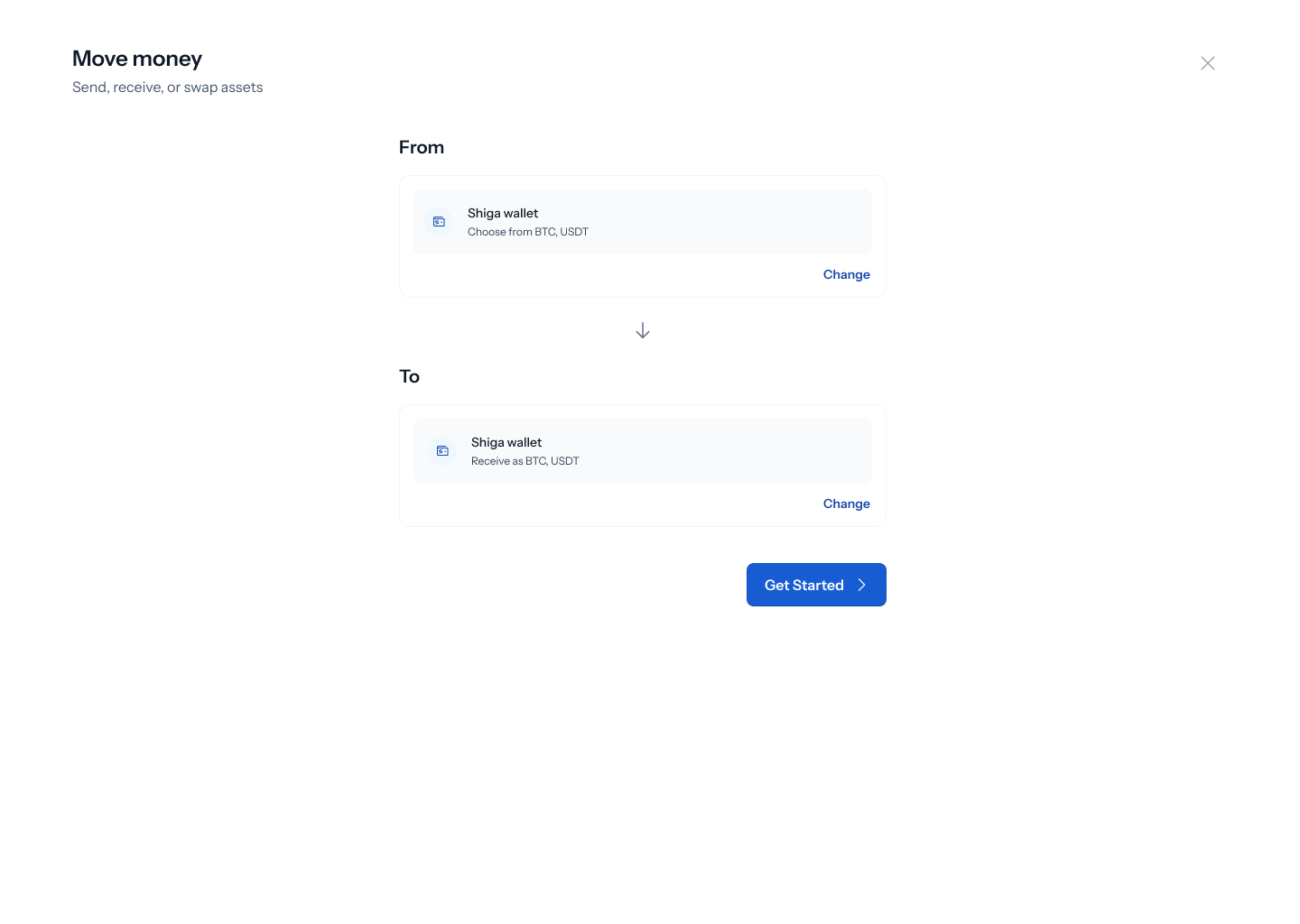
- From the sidebar, go to Product > Shiga STS.
- On the Move money screen, choose From: Shiga wallet and To: Shiga wallet.
- Click Get started.
2. Choose the assets to swap
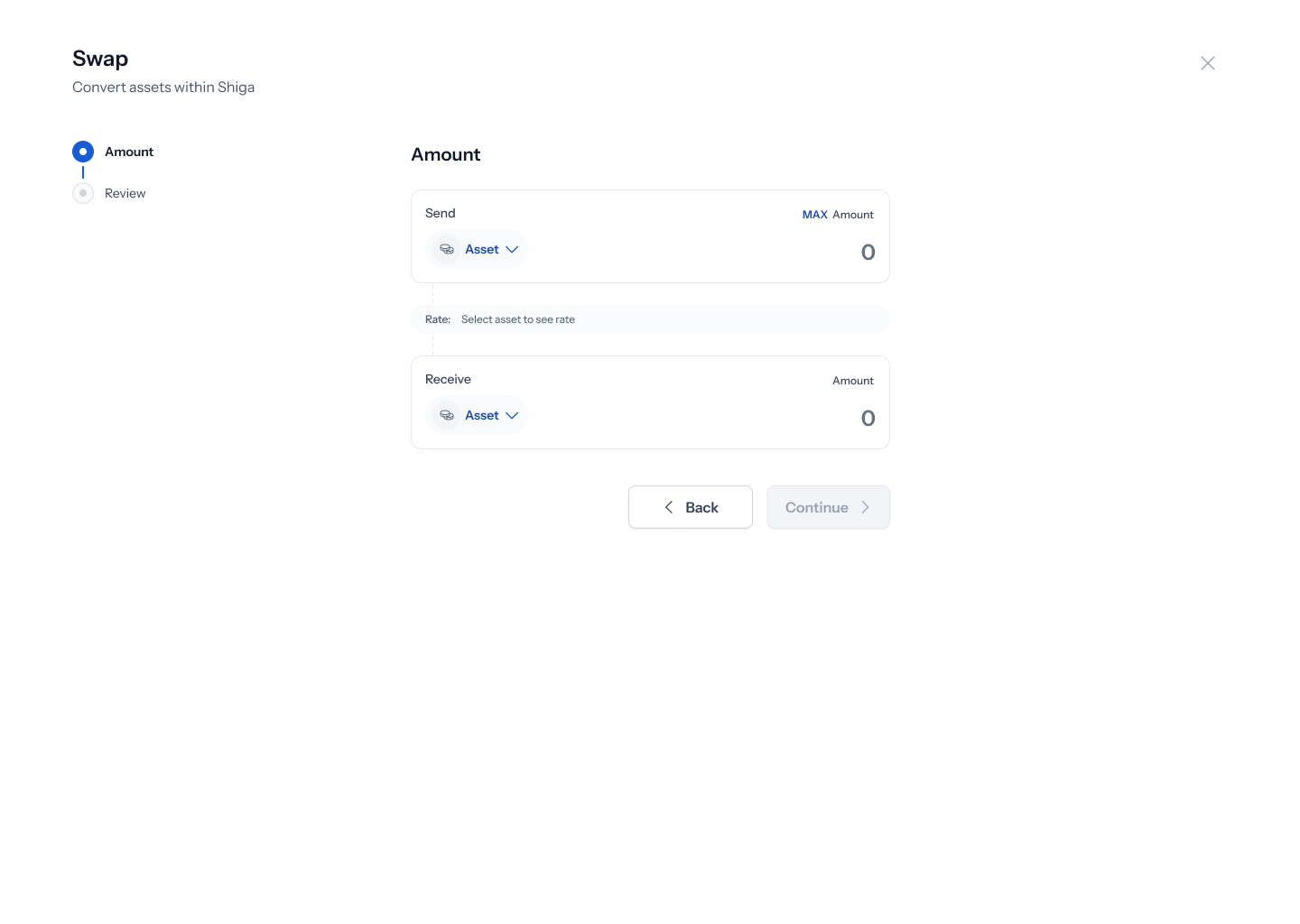
- Under Send, click the asset picker and choose what you’re swapping from.
- Under Receive, choose what you want to swap into.
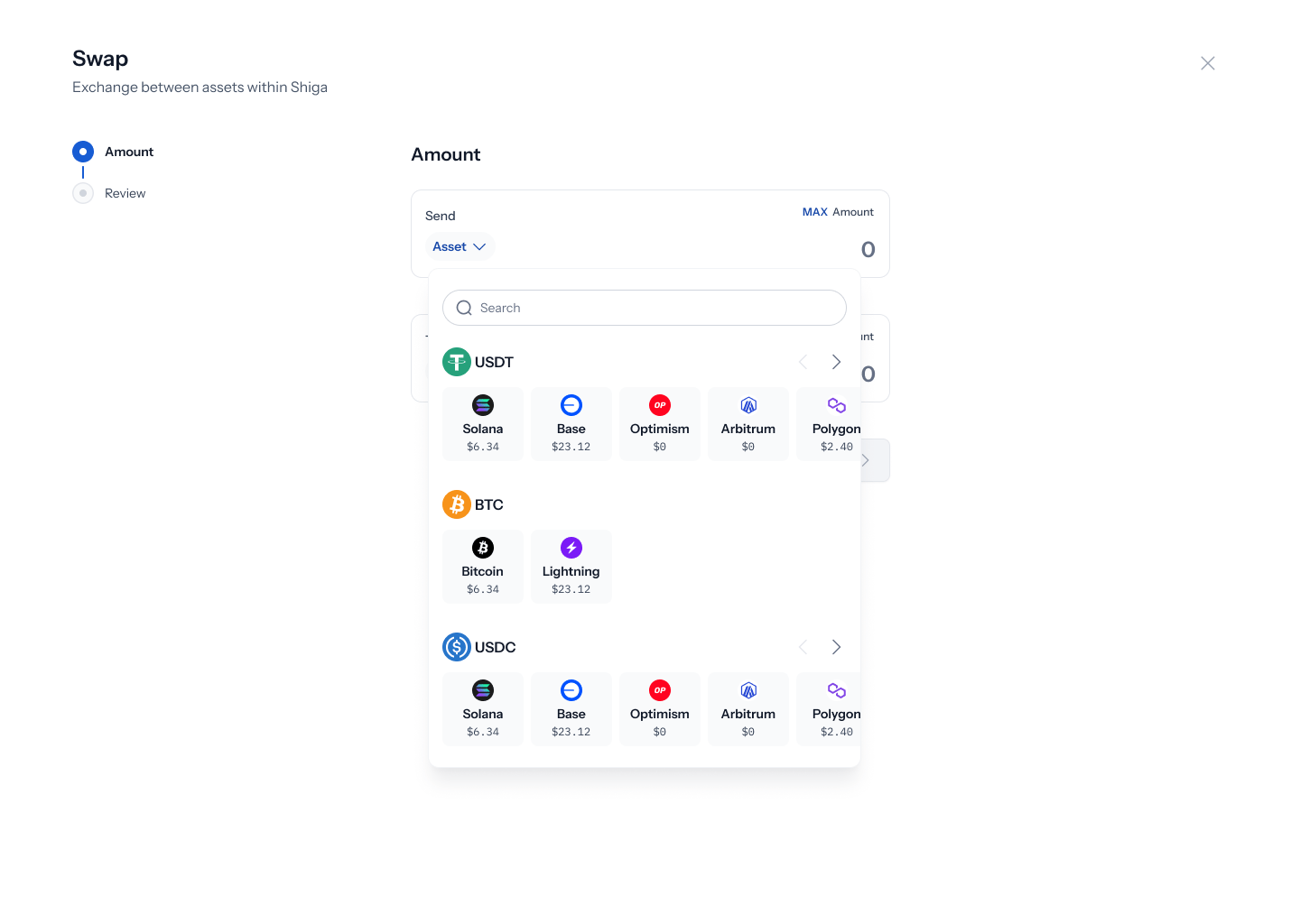
3. Enter the amount
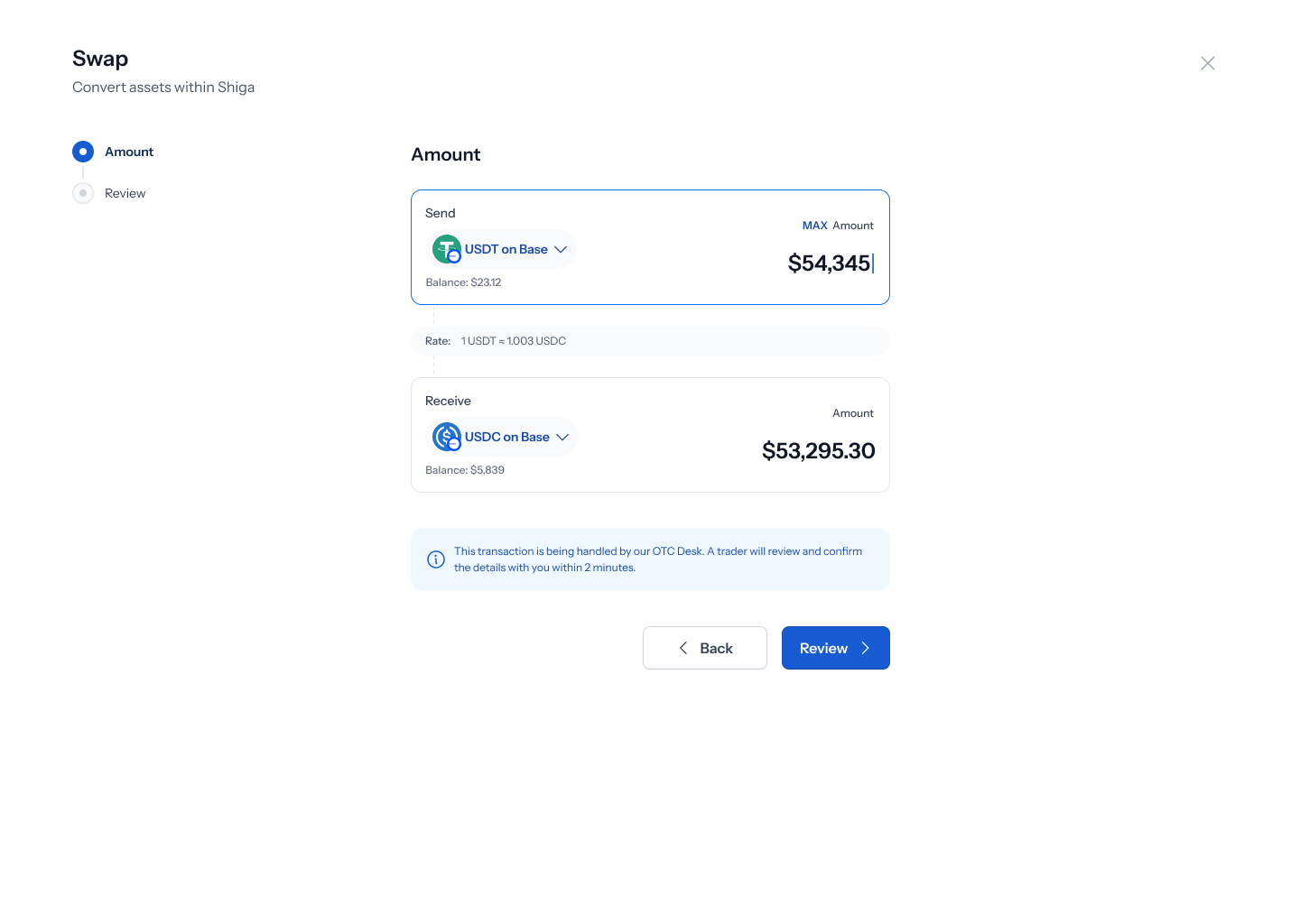
- Enter the amount you want to send — your balance is shown for reference, and the amount you’ll receive updates based on the live rate.
- Click Review.
Large swaps trigger the same OTC threshold banner seen in other flows: “This trade is over the OTC threshold. Get a hand-quoted custom rate from a trader within 2 minutes.”
4. Review and submit
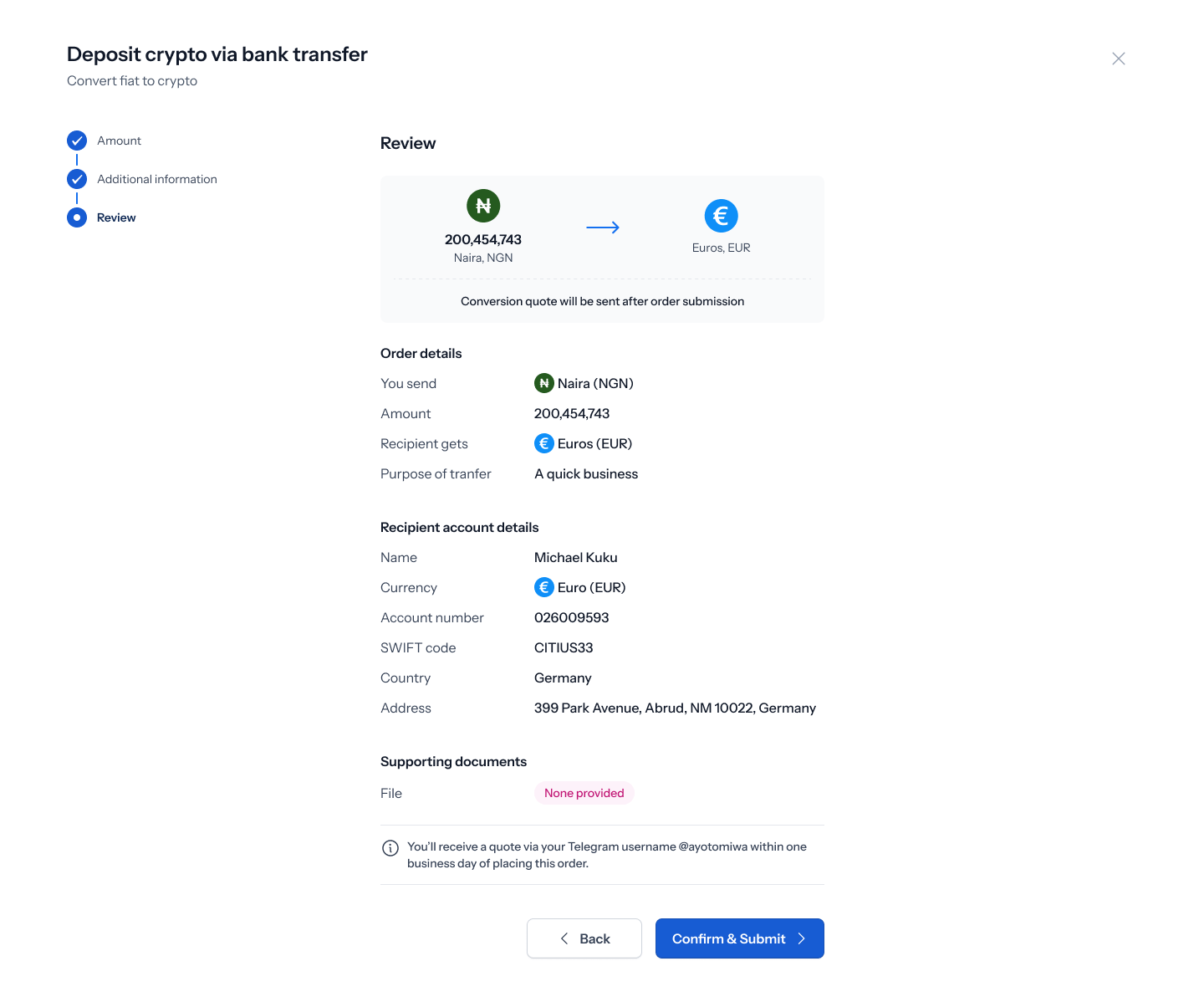
- Review the swap details, then click Confirm & Submit.
5. Confirmation
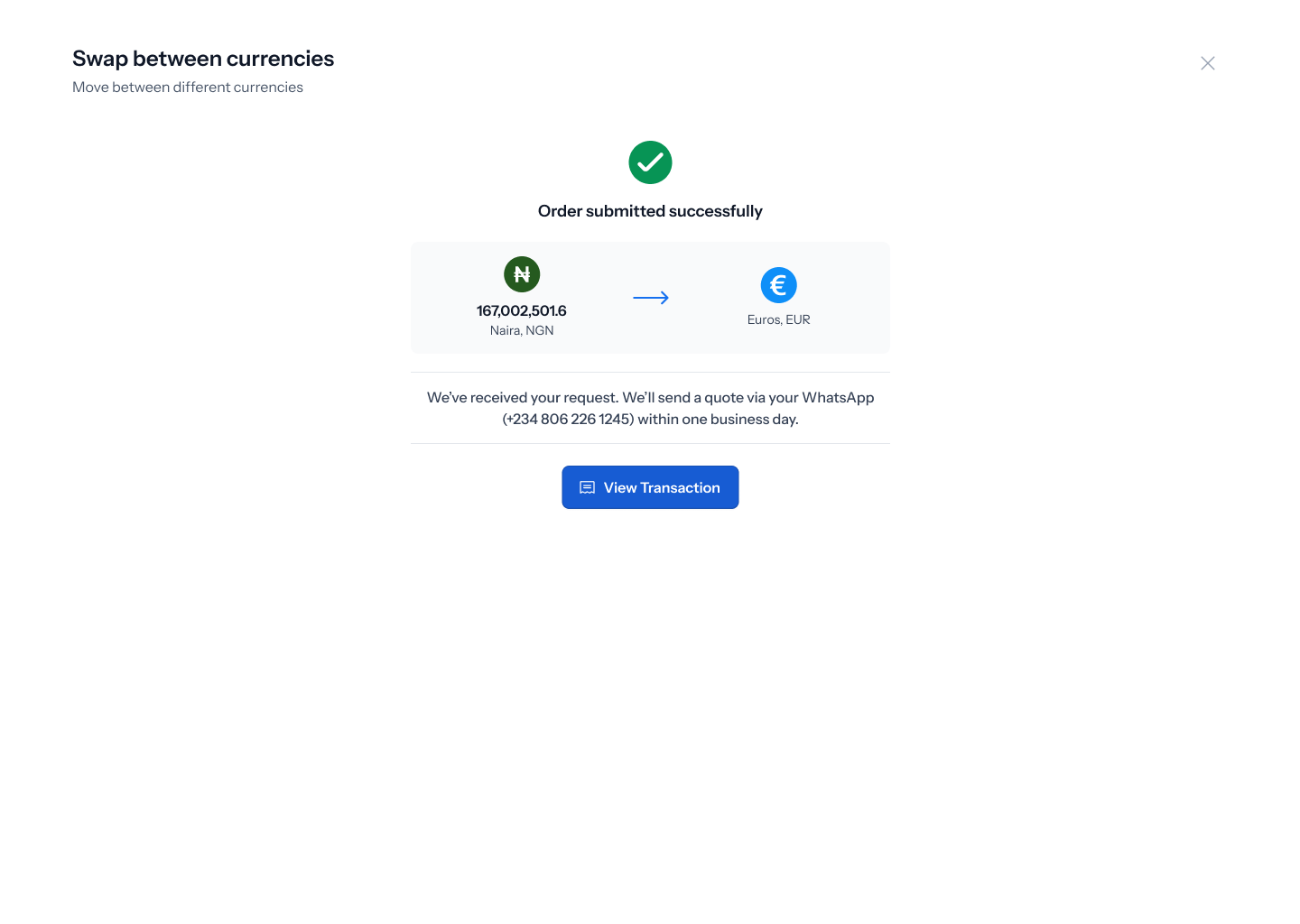
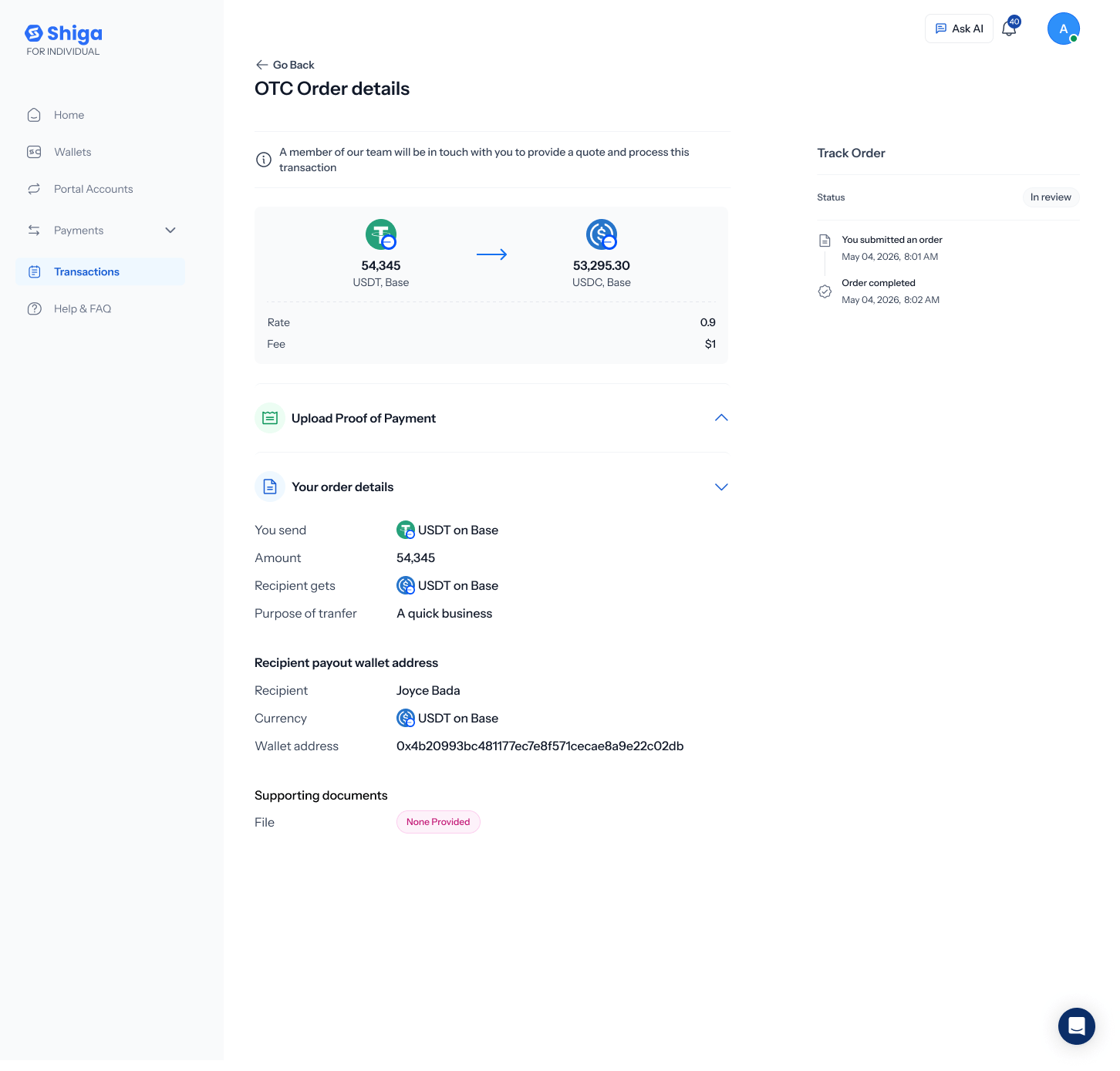
6. Track your order
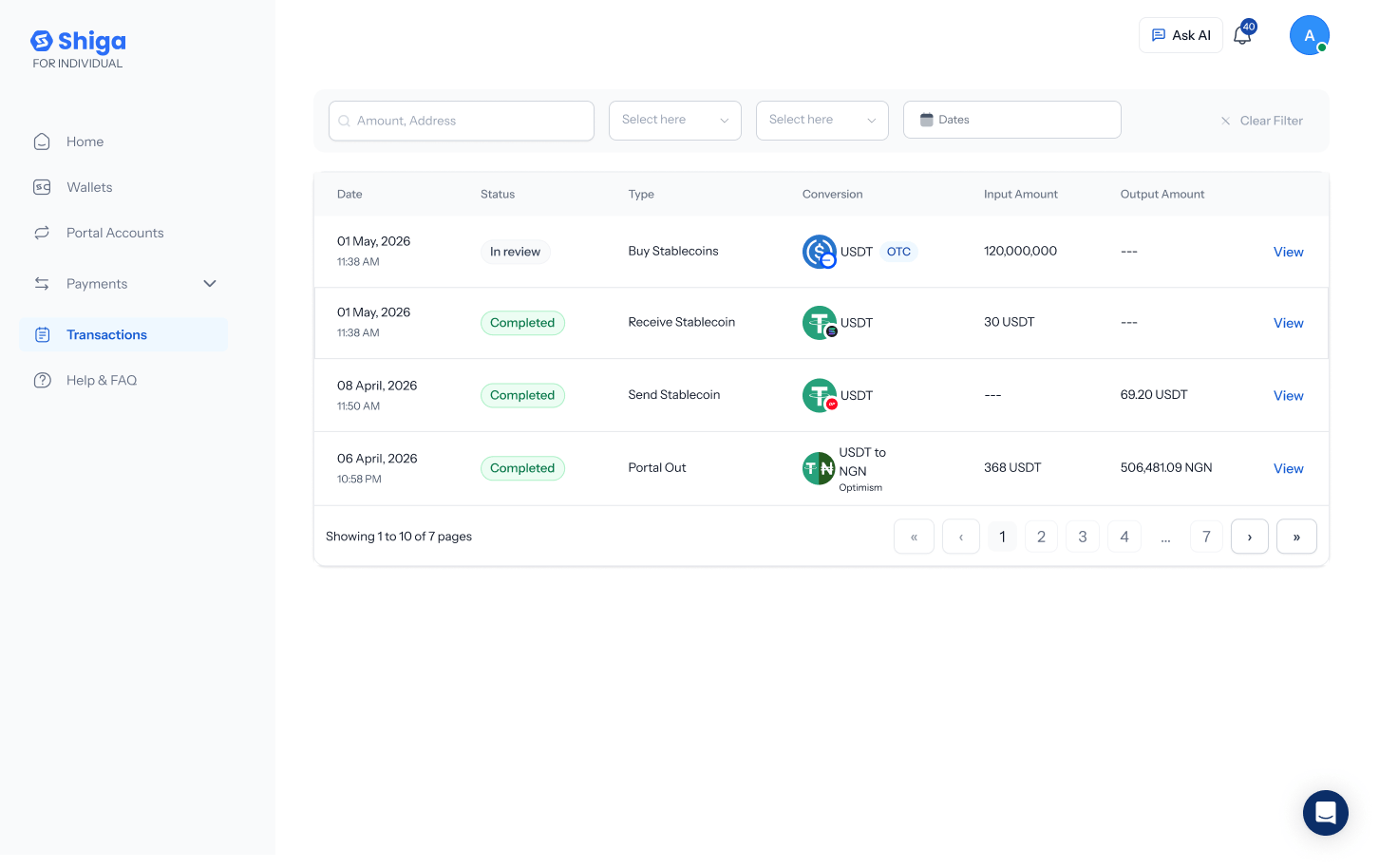
The transaction history list currently labels swap-related rows as “Send Stablecoin” / “Receive Stablecoin” rather than “Swap” — this may just reflect how a swap is recorded internally as two linked ledger entries, but worth confirming it’s intentional.