

This page is under Settings > Business > Business. See also: Statements, Members, Roles & Permissions, Invite a Member, Manage a Member, Passkey & Devices, Recovery, Activity Log, Profile, Privacy & Cookies, Support, and AI Assistant.
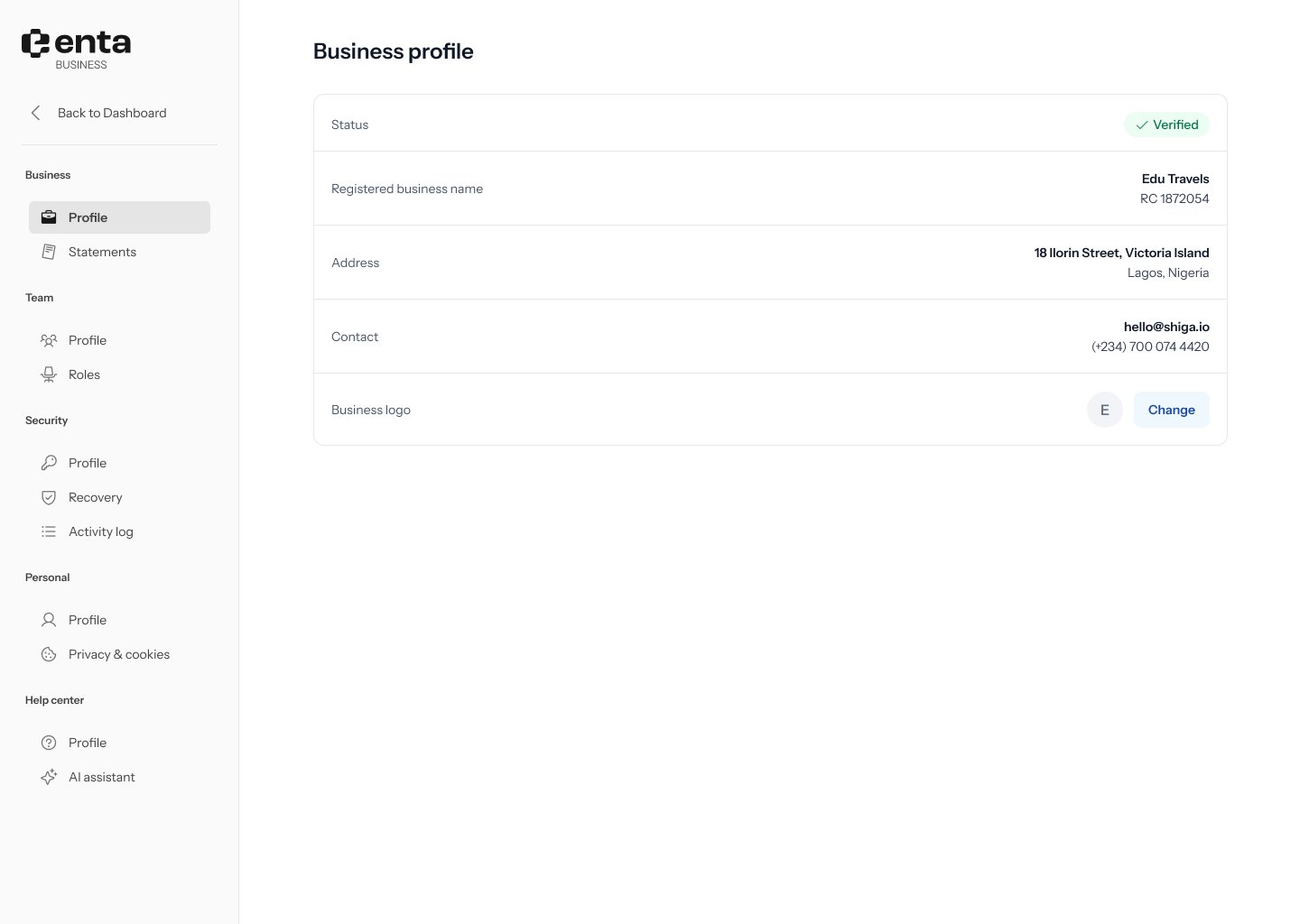
What you’ll see
- Status — a Verified badge once your business has been verified.
- Registered business name — your legal business name and registration number (for example, “Edu Travels, RC 1872054”).
- Address — your registered business address.
- Contact — the email and phone number on file for the business.
- Business logo — click Change to upload a new logo.