This page is under Settings > Business > Business. See also: Business Profile, Members, Roles & Permissions, Invite a Member, Manage a Member, Passkey & Devices, Recovery, Activity Log, Profile, Privacy & Cookies, Support, and AI Assistant.
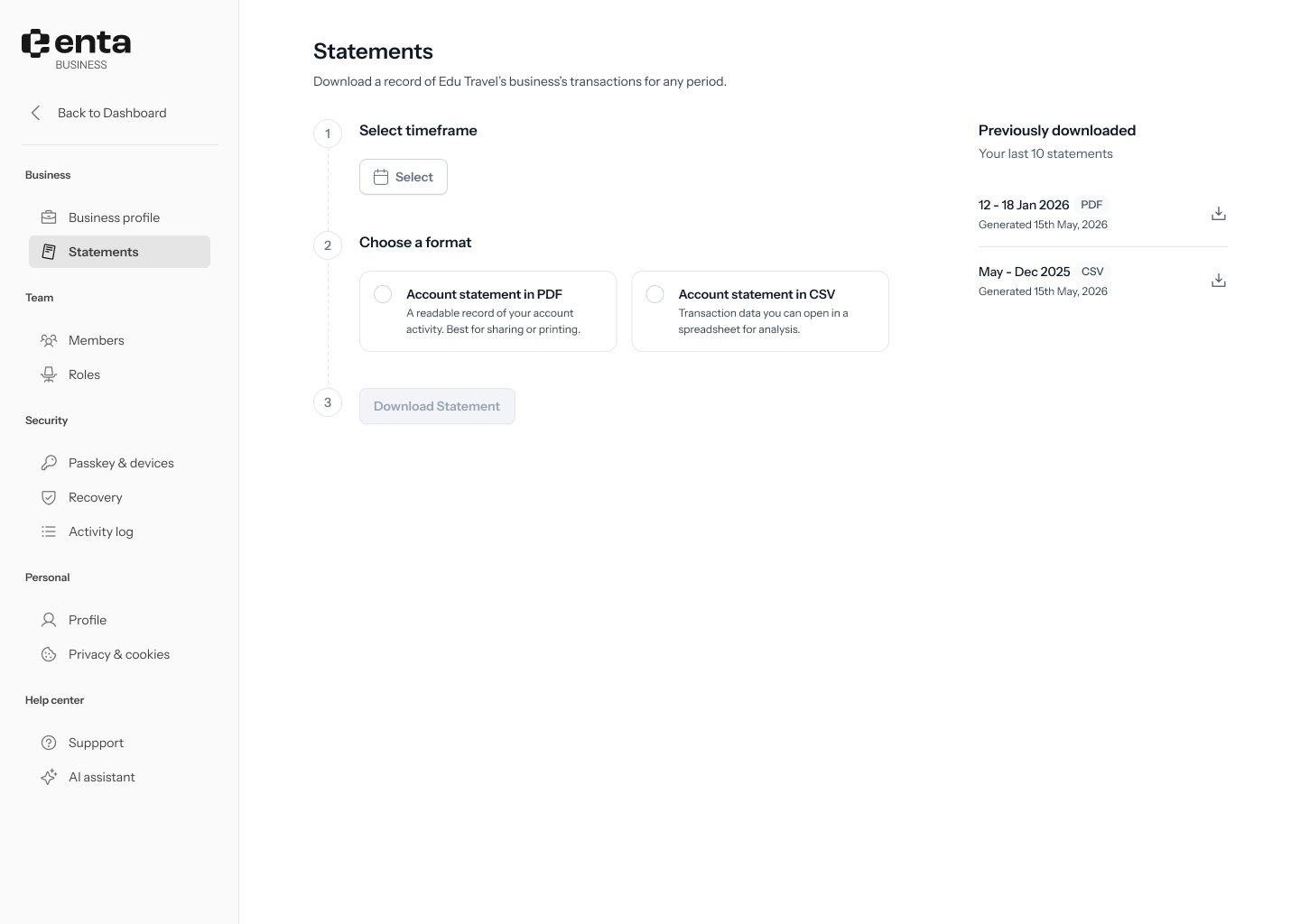
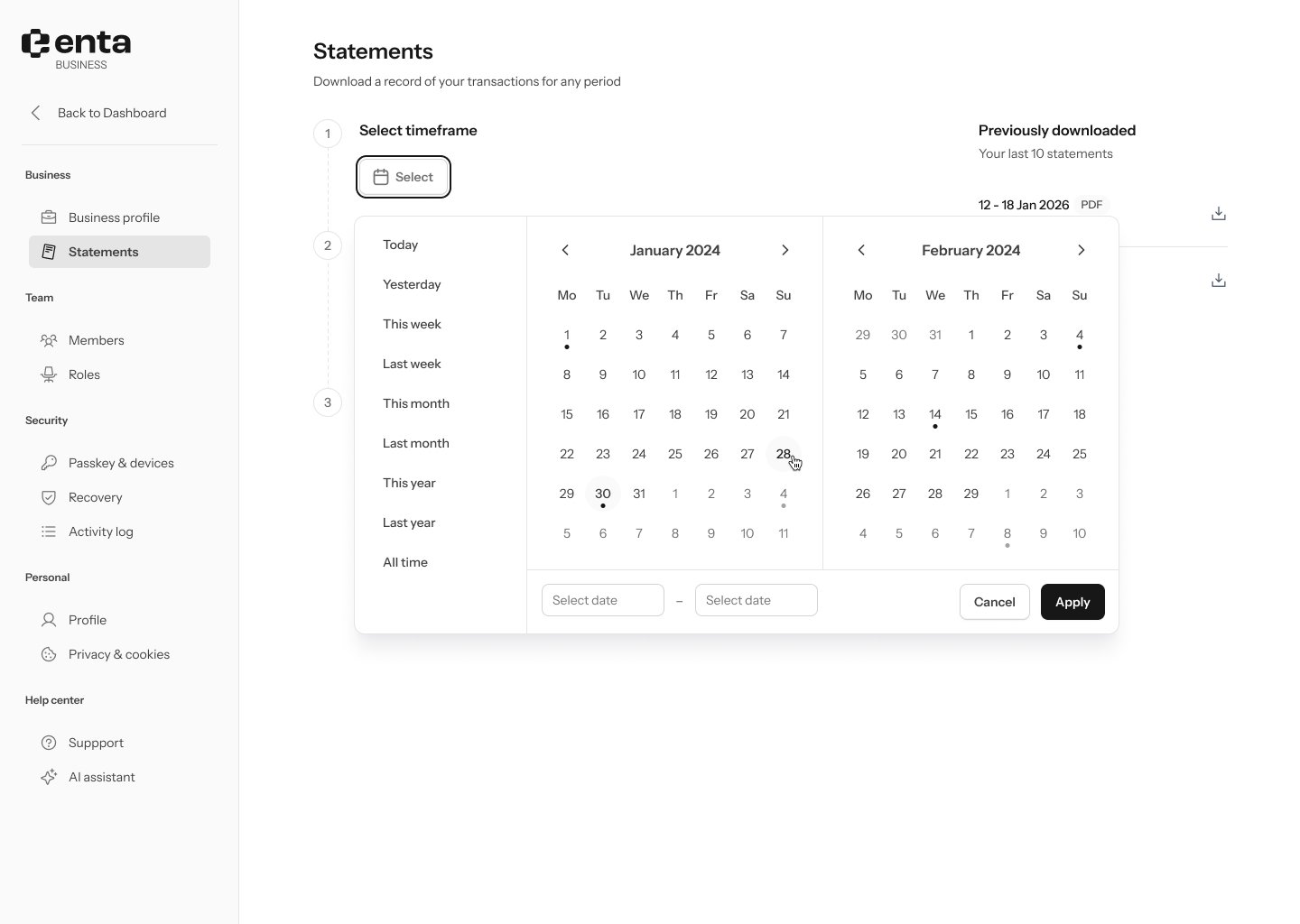
1. Select a timeframe
Click the date picker and choose the date range you want your statement to cover.2. Choose a format
- Account statement in PDF — a readable record of your account activity. Best for sharing or printing.
- Account statement in CSV — transaction data you can open in a spreadsheet for analysis.
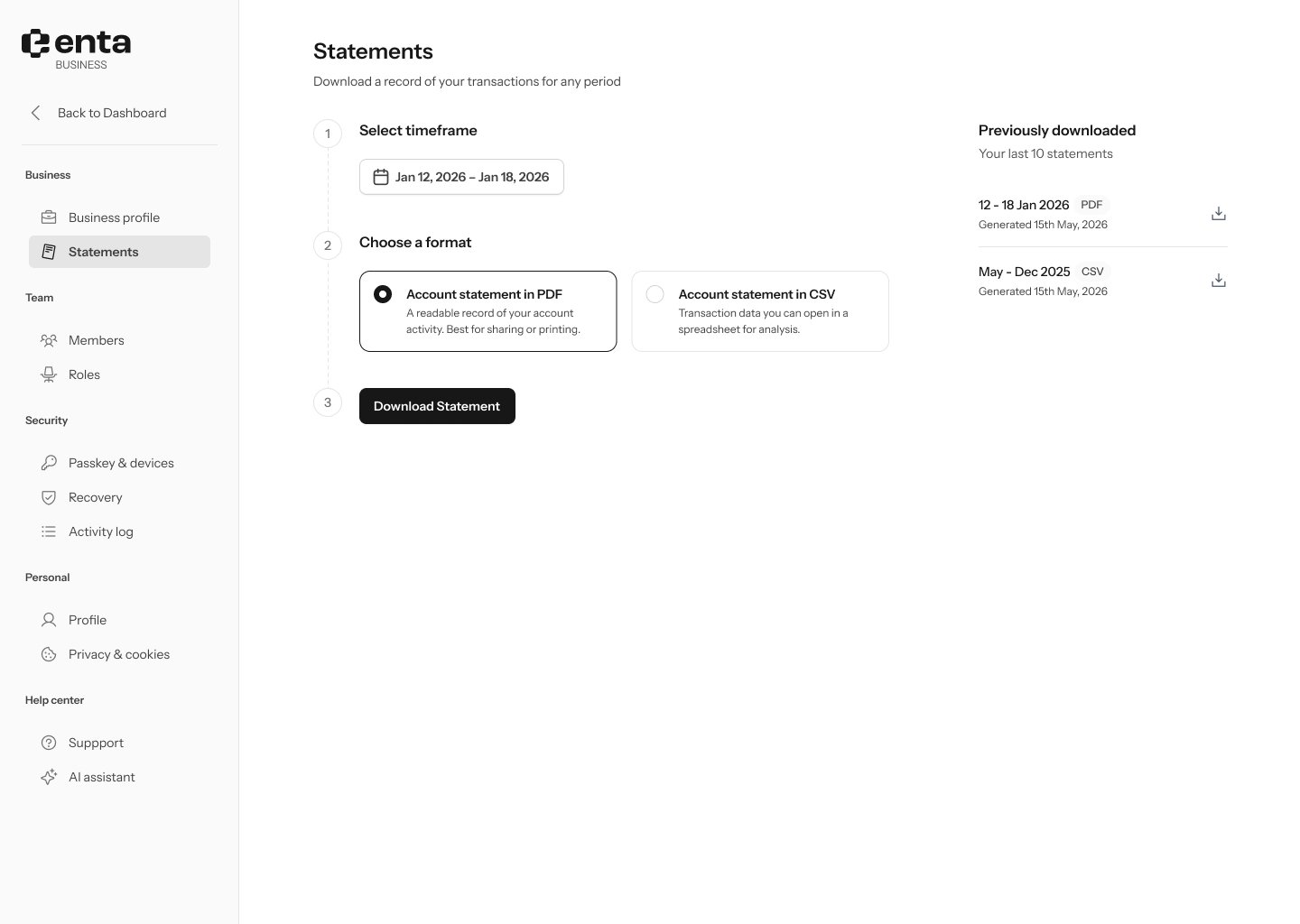
3. Download
Click Download Statement. The button stays disabled until you’ve selected both a date range and a format.