

Payment Links Overview
A payment link is a shareable URL that lets you request money from anyone — even someone with no Enta account. When they open the link, they see exactly what’s being asked for and pay you directly; the money settles into your Shiga wallet, an external wallet address, or a bank account, depending on how you set the link up.Access your Payment Links
Click Payment links in the left sidebar of your dashboard.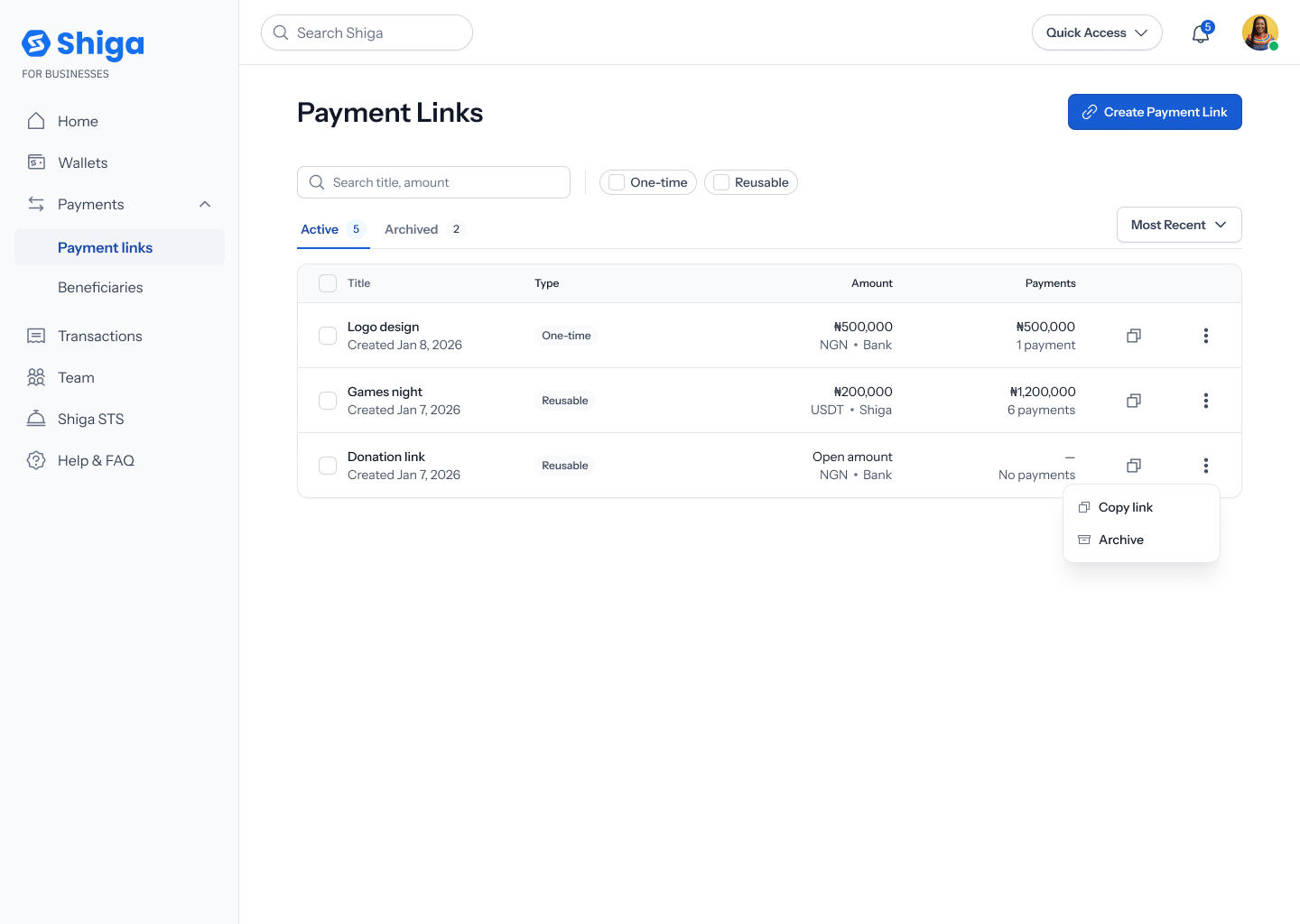
What you can do here
There are two ways to create a link, depending on whether you’re requesting a specific amount from a specific person or something you’ll reuse:- Create a One-Time Payment Link — request a fixed amount from one person; the link expires once it’s paid.
- Create a Reusable Payment Link — share a link that can be used again and again, for any amount or one you fix in advance.
- Payment Link Details — see a link’s status, settlement info, and full payment history.
- Archive a Payment Link — stop a link from accepting payments without deleting it.
- Restore a Payment Link — bring an archived link back to active (note: a one-time link that’s already been paid can’t be restored).